
Business Central Pricing FAQ 2026: Honest Answers
Direct answers on Business Central pricing in 2026: licenses, extensions, implementation, 3-year TCO vs SAP B1 and Sage 200, hidden costs nobody mentions.

Business Central is one of the most quoted but least understood ERP products in the Microsoft stack. The list prices are public, the marketing decks are confident, and yet every IT director and CFO we sit down with has the same questions: what does this actually cost over three years, where do the hidden costs hide, and is anyone going to tell me when I shouldn’t buy it?
This guide is the answer to those questions, written by a Microsoft Solutions Partner for Business Central that’s been implementing BC (and NAV before it) since 2003. No marketing, no euphemisms. If you’re evaluating BC for the first time, this is the document we wish someone had given us when we were the customer.
Essentials vs Premium: when does Premium pay off
Microsoft sells Business Central in two functional tiers: Essentials (€70/user/month) and Premium (€100/user/month). The difference is two modules — Manufacturing and Service Management — and a 43% price uplift on every full user on the tenant.
Premium pays off in exactly two scenarios:
- You run discrete manufacturing. BOMs, routings, production orders, MRP, capacity planning. If you make a physical product with multiple components and a production schedule, you need Premium. There is no functional substitute on Essentials and no AppSource extension that legitimately replaces the manufacturing module.
- You sell service contracts with on-site work. Recurring service items, scheduled maintenance contracts, dispatch and on-site service orders. Common in equipment maintenance, HVAC, industrial services.
Premium does not pay off if you’re a distributor, a project-services firm, a financial-services company, or an assemble-to-order company (BC’s Assembly module is in Essentials, not Premium, and it’s enough for most light manufacturing scenarios).
The licensing trap nobody flags upfront: you cannot mix Essentials and Premium full users on the same tenant. If even one user needs Premium, every other full user must be Premium too. On a 30-user deployment that’s around €10,800/year extra. Decide before you commit, not after.
Team Member vs Full User license breakdown
The Team Members license at ~€8/user/month sounds like the answer to “how do we give everyone access cheaply.” It mostly isn’t.
A Team Member can: read all data, post timesheets, approve workflows, update their own profile, and use a narrow list of light-task functions (employee record, expense, basic vendor info).
A Team Member cannot: create or modify customers, suppliers, items, sales orders, purchase orders, or post any financial transaction. They cannot run the system. They can read it and submit a few specific things.
The right uses: occasional reviewers, executives who want dashboards, employees who only need to log time or approve expenses. The wrong uses: anyone who creates documents (orders, invoices, jobs), anyone who runs reports for their work, anyone who edits master data.
In our experience, a realistic mix for a 30-person company is roughly 15-20 full users + 10-15 Team Members. Going further on Team Members usually backfires within six months when people hit licensing walls and the helpdesk burns time on workarounds.
AppSource extensions: how dv* extensions are priced
AppSource extensions sit on top of BC and use one of three pricing models:
- Per-user/month — typical for productivity tools and vertical modules (€5-€30/user/month).
- Per-tenant/month — flat fee regardless of user count, typical for finance and tax add-ons (€100-€600/month).
- Perpetual + annual maintenance — older model, still used by some ISVs; perpetual license upfront + 18-22% annual maintenance.
Davisa’s dv* extensions use a mix:
- Per-tenant for compliance-driven modules where the cost doesn’t scale with users: dvfinance (banking/treasury), dvimpuestos (Spanish tax), dvfactura-e (e-invoicing Spain), dvretencionesgarantia (retention bonds).
- Per-user for verticals where heavier users get more value: dvgmao (maintenance), dvproject (project management), dvproduction (manufacturing helpers).
Real prices are published on each product page. We don’t do quote roulette — if the price on the web is €25/user/month, that’s the price in the quote.
The honest rule on extensions: never buy more than 4-5. Past that, you’re stacking dependencies that will eventually fight each other on upgrades. If you need 8 extensions to make BC work for your industry, your industry probably needs a vertical ERP, not BC.
Implementation hours: realistic ranges by company size
The number every quote hides until you sign. Here are realistic implementation ranges based on 22 years of doing this:
- Micro (1-5 users, no manufacturing): 80-150 hours. €8k-€16k. Go-live in 4-8 weeks.
- Small (5-20 users, light vertical needs): 200-400 hours. €20k-€42k. Go-live in 8-16 weeks.
- Mid (20-50 users, multi-company, manufacturing or projects): 500-900 hours. €50k-€95k. Go-live in 4-7 months.
- Larger (50-150 users, complex integrations, multi-country): 1,200-2,500 hours. €120k-€260k. Go-live in 8-14 months.
These ranges assume a competent customer team (someone on their side who can answer process questions and validate data) and a reasonable scope. They do not include training, data migration of complex history, or 10+ custom integrations. Add 20-30% for those.
Anyone selling 25-user BC implementation under €30k is either pre-baking your processes into theirs (and you’ll wish you hadn’t), skipping training, or planning to re-bill the gaps as change orders mid-project. We’ve seen all three.
3-year TCO comparison: BC vs SAP B1 vs Sage 200
For a typical 30-user Spanish SMB with mixed trading + light manufacturing, 3-year all-in totals:
| Business Central | SAP Business One | Sage 200 | |
|---|---|---|---|
| License (3y) | €75k | €95k | €52k |
| Implementation | €60k | €75k | €45k |
| Extensions / add-ons (3y) | €18k | €24k | €15k |
| Training + change mgmt | €10k | €12k | €8k |
| Migration + integrations | €15k | €20k | €12k |
| Maintenance (3y) | €22k | €30k | €18k |
| TOTAL 3-YEAR | ~€200k | ~€256k | ~€150k |
Honest read:
- Sage 200 is the cheapest, but functionally caps out around 50 users and the on-premise infrastructure adds back what licenses save. Best for stable, mid-complexity Spanish SMBs that don’t expect to internationalise.
- SAP B1 is the most expensive but has the deepest manufacturing functionality and the most mature ISV ecosystem. Best for manufacturing-heavy companies that need batch traceability and serialised production.
- Business Central sits in the middle on price and wins on Microsoft 365 integration, cloud-native architecture, AppSource ecosystem, and the gentlest learning curve for staff already on Office.
We’re a Microsoft partner, so the BC bias is real. But if you’d be better served by Sage or SAP, we’ll tell you on the first call. Selling you the wrong system once is worse business than not selling you anything.
Hidden costs nobody mentions
Six costs that don’t appear in the demo:
1. Training (€3k-€10k for a mid-size deployment). Quotes routinely include 8-16 hours of key-user training and call it done. Reality: each full user needs 4-8 hours minimum, and the company will need refresher sessions at 3 and 9 months when the muscle memory fades.
2. Data migration (€4k-€15k). Master data (customers, suppliers, items, GL) is usually included. Transactional history (3+ years of invoices, postings, open items) is usually not, and that’s where 80% of the migration work lives.
3. Customization rebuilds (NAV→BC migrations only). If you’re coming from NAV with C/AL custom code, none of it transfers to cloud BC. Every customization is rebuilt as an AL extension. On a heavily customised NAV environment this is 30-70% of project cost.
4. Integration maintenance (~10-15% of annual licenses). Every connector — to your e-commerce, CRM, payroll, banks, EDI provider — breaks at least once a year when one side updates. Budget for it from day one.
5. Additional environments. One production + one sandbox is included. Extra sandboxes are around €13/month. Extra production environments are €1,500/month. Companies with multiple legal entities sometimes hit this.
6. The “year-two re-implementation”. If the initial implementation cut corners on chart of accounts, dimensions, posting groups or number series, year two is when the controller realises the books can’t produce the reports the board wants, and we get the call to redo the foundation. €30k-€80k of avoidable rework, every time.
If you’re evaluating Business Central and want a quote that includes the costs above instead of hiding them, that’s the conversation we have weekly. Contact us or read the Business Central solutions page for the technical detail. And if BC isn’t the right fit for you, we’ll say so on the first call — that’s part of the job.
Artículos relacionados
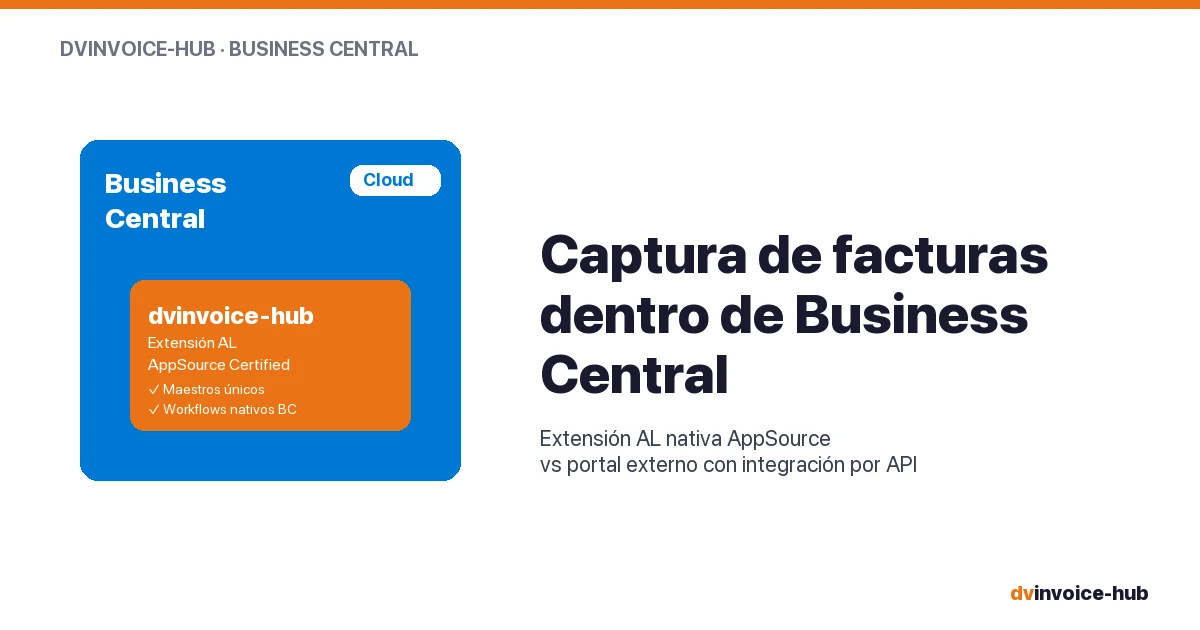
AP Invoice Capture in BC: Native Extension vs Portal
AP invoice capture in Business Central: why a native AL extension is more robust than external portals that break reconciliation and APIs.
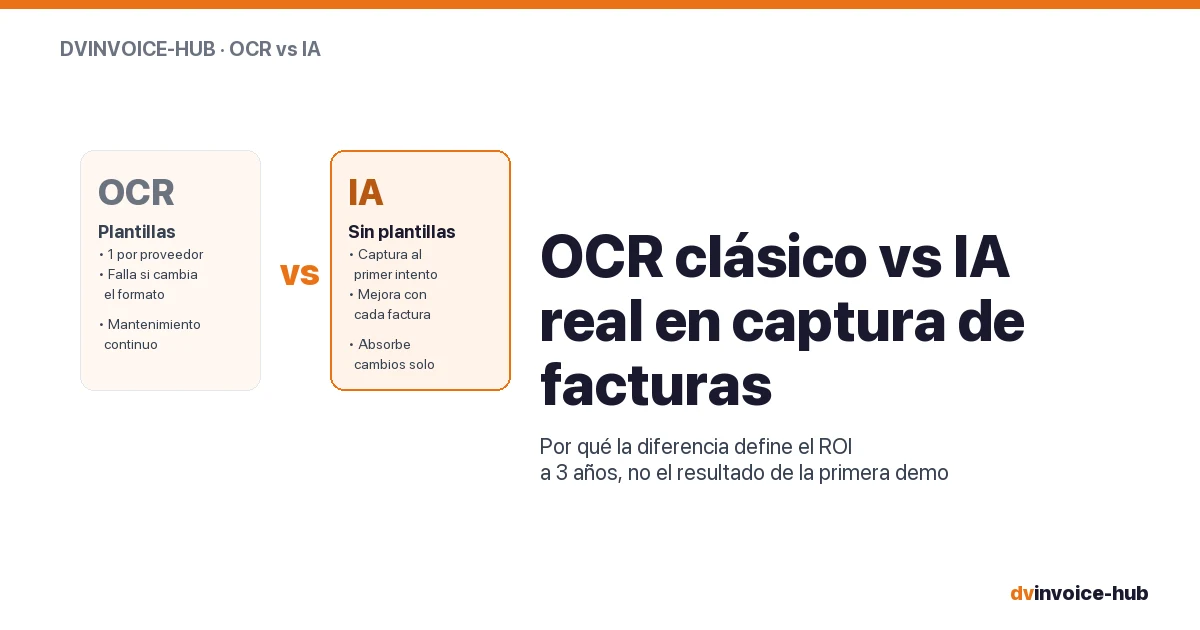
OCR vs AI for AP Invoice Capture in Business Central
Classic OCR and AI-powered capture sound alike but do very different things. Why AI applied to your supplier base reshapes the 3-year ROI.

Best CMMS for European SMB Manufacturers
How to choose a CMMS for a 50-500 employee European plant. Buying mistakes, top alternatives compared, and when native-in-ERP beats a dedicated tool.