
OCR vs AI for AP Invoice Capture in Business Central
Classic OCR and AI-powered capture sound alike but do very different things. Why AI applied to your supplier base reshapes the 3-year ROI.
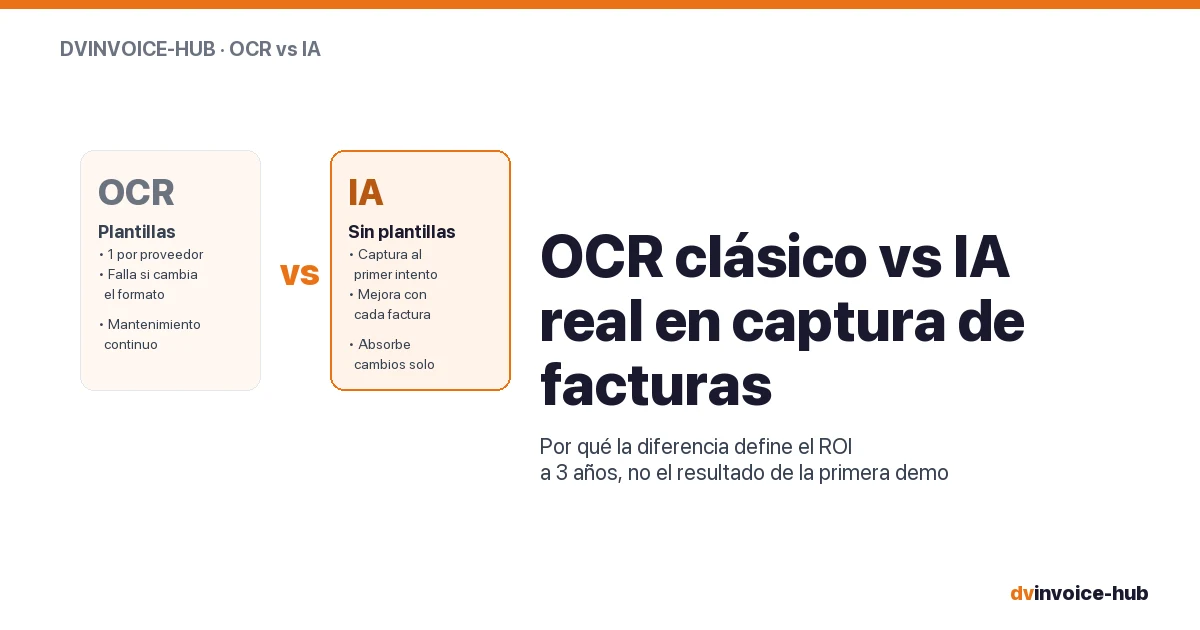
When a company starts evaluating tools to automate supplier invoice entry, almost every solution on the market promises the same thing: “OCR + AI”. The phrase shows up in brochures, demos, webinars and commercial proposals. But the reality is that OCR and AI, in the context of invoice capture, are two different things that are frequently confused.
The difference is not academic. It has very concrete consequences on how many invoices your team will have to review manually, on how long it takes to onboard a new supplier, and on the 2-3 year ROI of the automation project.
This article explains what sits underneath each term, what practical differences they have, and how to properly evaluate the proposal from a vendor that claims to use “OCR + AI”.
What OCR actually is
OCR (Optical Character Recognition) is the technology that converts an image or scanned PDF into editable text. It has been around since the 1980s, is absolutely mature and is used by every document search engine in the world. Its job is to read characters and return them as text strings a system can manipulate.
But OCR, on its own, does not understand what it is reading. It reads "Total: 1,234.56 €" and returns the string "Total: 1,234.56 €". It is the job of the system using it to interpret that this string is the invoice total. And for that, historically, templates have been used.
An OCR template is a recipe that says: “for invoices from supplier X, the total amount sits in the bottom-right area, inside the rectangle that goes from coordinates (450, 800) to (600, 850)”. When a new invoice from supplier X arrives, the system applies that template, crops that area, runs OCR over it, and gets the amount.
It works reasonably well under three conditions:
- The supplier does not change the format of its invoice.
- The supplier always places the data in the same spot.
- You have a template for every supplier (or at least for every distinct format).
As soon as one of these three conditions fails, the OCR-with-template system returns junk data or nothing at all. And then someone has to step in manually to fix it, or create a new template for that supplier.
What AI applied to invoice capture actually is
AI in invoice capture —specifically modern models based on computer vision and language model architectures— does something qualitatively different: it understands what each element of the document represents regardless of where it is placed.
When a well-trained AI model sees a new invoice (from a supplier it has never seen before), it does not look for “the rectangle at coordinates (450, 800) to (600, 850)”. It looks for semantic patterns: it identifies the block containing the word “Total”, locates the number next to it, and links it to the total amount. It identifies the line item block, distinguishes a “Description” column from a “Quantity” column from a “Unit price” column, and extracts every value in its place.
It does not need a per-supplier template. It needs to have been trained on enough varied invoices to recognise the visual and semantic structure of “an invoice”. Once trained, it can capture invoices from new suppliers on the first attempt with reasonable accuracy. And that accuracy improves with every invoice processed from the same supplier: the system learns the small nuances of the specific format and fine-tunes itself.
This is what is called, in technical jargon, “zero-shot extraction” followed by “few-shot fine-tuning”: the ability to capture on the first attempt without having seen the document before, and improvement with each case seen from the same issuer.
The practical differences that matter to the CFO
For a finance leader, the differences between the two approaches translate into five concrete things:
1. Implementation time. An OCR-with-templates tool requires someone to create a template for each relevant supplier before going live. In a company with 200 active suppliers, that is days or weeks of upfront configuration work. An AI tool starts operating on day 1 with your existing suppliers (with reasonable accuracy) and improves with use. The difference: 2-3 weeks vs 4-8 weeks in time to go-live.
2. Cost when a new supplier comes in. With OCR-with-templates, every new supplier requires a new template. If you add 5-10 new suppliers per month, someone has to spend time configuring templates. With AI, the system captures on the first attempt and learns on its own. The marginal cost of a new supplier is zero.
3. Resilience to format changes. Suppliers change the layout of their invoices fairly often: new corporate branding, new invoicing software, new country of operation, new tax regulations. With OCR-with-templates, every format change breaks the template and forces a rebuild. With AI, the system absorbs the change within the first 2-3 new invoices and keeps extracting correctly.
4. Manual review rate. An OCR-with-templates tool has very high accuracy when everything fits (>95%) but fails catastrophically when the format changes: it goes from capturing perfectly to capturing nothing. An AI tool keeps a more stable accuracy (typically 88-94% at baseline, 95-98% after training on your supplier base) with no catastrophic drops. The difference: your review team has a predictable workload vs spiky workload.
5. 3-year ROI. This is the aggregate consequence of the previous four. An OCR-with-templates tool works well at the start and degrades over time as new suppliers come in and existing ones change formats. An AI tool works reasonably well at the start and improves with use. Over a 3-year horizon, the quality curves of the two options run in opposite directions.
Why many vendors keep selling “OCR” as if it were new
The confusion between OCR and AI is commercial, not technical. There are three reasons why some tools keep marketing themselves as “OCR + AI” even though underneath they are OCR-with-templates with a touch of basic learning:
1. The OCR technical brand is very familiar to the CFO. A buyer in a finance department recognises the word “OCR” and associates it with invoice automation. The word “AI”, although more powerful, sounds new, abstract or even threatening. That is why many vendors say “OCR + AI” even when the AI component is marginal.
2. The cloud infrastructure for modern models is recent. Five years ago it was not viable to run serious AI models on every invoice received (the per-inference cost was prohibitive). Today, with services like Azure Document Intelligence and Microsoft models pre-trained specifically for invoices, the per-inference cost is cents per document. Vendors whose architecture is still OCR-with-templates have not upgraded the engine.
3. Template setup used to be a billable service. For many BPOs and consultancies, the business model was selling hours for template creation and maintenance. Replacing that with AI eliminates that recurring revenue, so the motivation to make the jump was scarce until the market forced it.
The right questions to evaluate a proposal
When a vendor tells you that their solution uses “OCR + AI”, there are three concrete questions that separate the real tools from the superficial ones:
1. “How many templates do you need to configure for it to start working with my current suppliers?”. If the answer is “one per relevant supplier” or “depending on volume, we can offer you a template creation service”, you are looking at an OCR-with-templates tool with an AI veneer. If the answer is “none, the system starts capturing on the first attempt and learns with use”, you are looking at a real AI tool.
2. “What happens when a supplier changes its invoice format? How many invoices does it take for the system to start capturing correctly again?”. If the answer is “the template has to be updated”, OCR-with-templates. If the answer is “the system absorbs the change within 2-3 invoices”, real AI.
3. “What does it take to start processing invoices from a new supplier? Is there an associated cost?”. If the answer mentions “configuration”, “template”, “supplier setup in the system”, OCR-with-templates. If the answer is “you set up the supplier in BC, send the invoice to the inbox, and the system captures it”, real AI.
The underlying question
When choosing between two tools, it is worth looking past the first-month demo. A capture demo on 5 standard invoices from a controlled supplier will always go well with any technology. What separates the options is how the system behaves over the next 3 years, when:
- Your supplier base changes by 30-40%.
- Some of your current suppliers switch invoicing software.
- Spain’s upcoming mandatory e-invoicing (Verifactu / Crea y Crece law) forces B2B electronic invoicing.
- Your review team rotates and new members have to understand the system.
Over that horizon, the difference between a tool based on OCR-with-templates and one based on real AI can be an order of magnitude in review hours, maintenance costs and operational stability.
In summary
- OCR and AI in invoice capture are different technologies, even though many tools sell them as a homogeneous bundle. OCR reads characters; AI understands what each element of the document means.
- OCR-with-templates requires configuring a template per supplier, fails when the format changes and needs continuous maintenance. Accuracy is high when everything fits, catastrophic when something changes.
- Real AI captures on the first attempt with no templates, improves with every invoice processed and absorbs format changes within 2-3 documents.
- On a practical level: shorter implementation time (2-3 vs 4-8 weeks), zero marginal cost when adding a new supplier vs template creation, more stable manual review rate.
- The 3 questions that separate the real tools from the superficial ones: how many initial templates?, what happens when the format changes?, what does it cost to onboard a new supplier?
- Over a 3-year horizon, the quality curve is opposite between the two approaches: OCR-with-templates degrades, AI improves.
Want to see an invoice capture tool based on real AI, natively integrated in Business Central? dvinvoice-hub uses OCR + AI trained by Davisa to capture header and lines of your supplier invoices, with no per-supplier templates, improving with every invoice processed. Azure Document Intelligence + Azure Functions backend. Calculate your invoice block or request a demo in under 24 hours.
Artículos relacionados
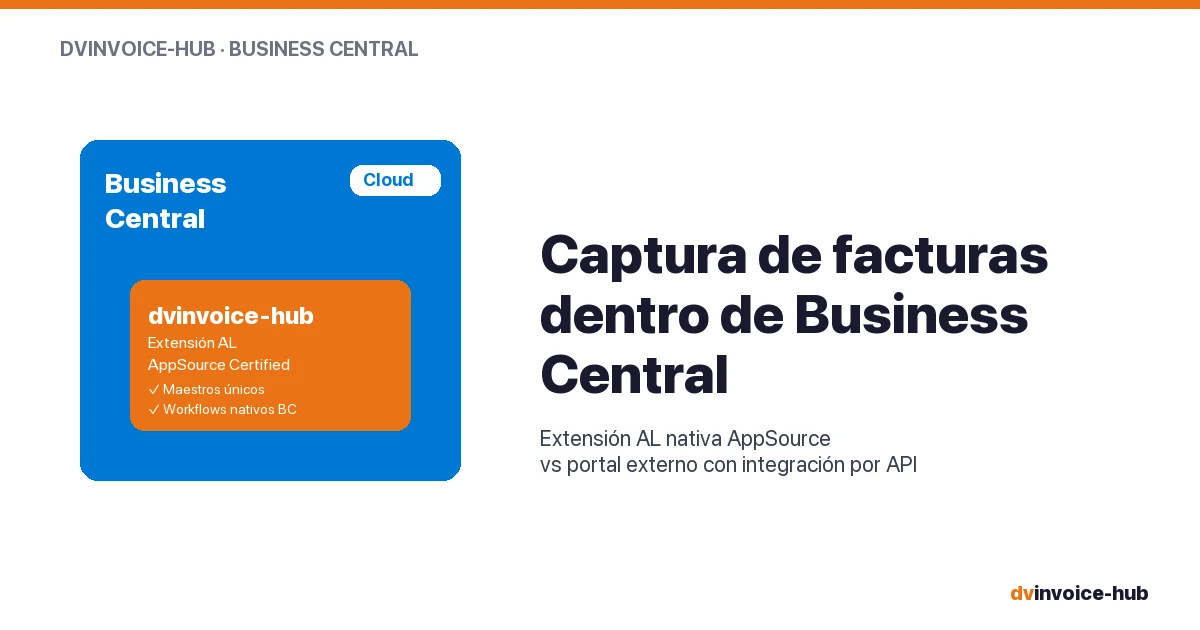
AP Invoice Capture in BC: Native Extension vs Portal
AP invoice capture in Business Central: why a native AL extension is more robust than external portals that break reconciliation and APIs.

Business Central Pricing & License Levels Explained (2026)
Clear breakdown of Microsoft Dynamics 365 Business Central license levels (Essentials, Premium, Team, External Accountant) with real prices and use cases for 2026.

Manufacturing Operations Management in Business Central
How Business Central + dvproduction covers MOM (ISA-95 level 3) for discrete SMB manufacturers without a separate MES. Real scope, real limits.