
Business Central Pricing & License Levels Explained (2026)
Clear breakdown of Microsoft Dynamics 365 Business Central license levels (Essentials, Premium, Team, External Accountant) with real prices and use cases for 2026.

Business Central is one of the most-priced-but-least-understood ERP products in the Microsoft stack. Microsoft publishes list prices, but the real cost of a deployment includes a stack of variables most quote sheets glide over: license mix, extensions, implementation, training, and the long tail of integrations.
This guide breaks down what you actually pay, where the hidden costs hide, and how the BC licensing model compares with the alternatives. Written by a Microsoft Solutions Partner for Business Central that’s been implementing BC (and NAV before it) since 2003.
The 4 license types you actually need to know
Microsoft Dynamics 365 Business Central has four user license levels in 2026. Forget the marketing labels for a moment — here’s what each one really is:
- Business Central Essentials (~$70/user/month): the full functional license. Finance, sales, purchasing, inventory, basic project accounting, multi-company, fixed assets, jobs, basic warehousing, and the full Power Platform integration. This is what 80% of SMBs run on.
- Business Central Premium (~$100/user/month): everything in Essentials, plus Manufacturing (BOMs, routings, production orders, capacity planning, MRP) and Service Management (service contracts, service items, service orders). About 43% more expensive than Essentials.
- Business Central Team Members (~$8/user/month): read-only access across the system with a narrow set of write actions — approvals, time sheet entry, profile updates, and a few specific tasks. Useful for “occasional” users who need to look at data but don’t run transactions.
- External Accountant: free access for the company’s external accountant. Limited to one user, intended for the accounting firm doing the books or reviewing month-end.
Prices above are list in USD. Real prices vary by region, channel (direct vs CSP partner), and negotiated discount. EUR list in Europe is typically 1:1 with USD (so ~€70 and ~€100).
Premium vs Essentials: how to decide
The Premium uplift over Essentials is about 43% — a $30/user/month difference, or $360/user/year. On a 30-user deployment that’s $10,800/year extra. Worth it?
The honest test is binary:
- You need Premium if: you run discrete manufacturing (BOMs, routings, production orders, MRP) or you sell service contracts (recurring service items, scheduled maintenance, on-site service orders). Both modules are deeply integrated and not replaceable with extensions on Essentials.
- You don’t need Premium if: your operations are pure trading, distribution, finance, projects, or assemble-to-order (BC’s assembly module is included in Essentials, not Premium).
The trap people fall into: assuming Premium is “the better version.” It’s not — it’s the same product with two extra modules. If you don’t use those modules, you’re paying 43% more for nothing. Many service-light or trade-focused companies that bought Premium on auto-pilot are paying for capacity they never touch.
Team Members: who they’re really for
Team Members is the most misunderstood license. At ~$8/user/month it sounds like a cheap way to give everyone access. The licensing terms cut that idea down fast.
A Team Member can:
- Read all data across the company
- Post time entries to projects
- Approve workflows (purchase orders, expense reports, etc.)
- Update their own employee record
- Make basic edits to existing records they own
- Access Power BI reports built on BC data
A Team Member cannot:
- Create or post sales orders
- Create or post purchase invoices
- Modify items, customers, or vendors
- Run production or warehouse transactions
- Touch most master data
Use cases that fit cleanly: warehouse operators who only confirm picks, executives who only consume dashboards, HR staff who only post timesheets, occasional consultants who view project status, sales reps who only read customer history. Use cases that don’t fit and where companies trip up: cashiers, AP clerks, junior accountants, anyone who needs to post any kind of document.
On-prem vs SaaS pricing model
Two delivery models still exist:
- SaaS (subscription): per-user/month, Microsoft hosts everything on Azure, two automatic updates per year (April and October), no Azure SQL bill, no infrastructure team needed. This is what 90%+ of new customers go with in 2026.
- On-prem (perpetual license + Software Assurance): one-off license purchase plus ~16-25% annual Software Assurance. You host it yourself (or with a hoster), you control the upgrade schedule, you pay for the infrastructure. Still available but Microsoft is steering the entire customer base to cloud.
- Hybrid: small percentage, mostly customers in mid-migration or with regulatory constraints that keep some data on-prem temporarily.
Pricing comparison gets fuzzy because on-prem licenses are sold concurrent (CAL-style), while SaaS is per named user. For most SMBs, SaaS works out cheaper at year 1 and roughly comparable over 5 years — once you add infrastructure, DBA time, and self-managed upgrades to the on-prem TCO.
The hidden costs partners don’t always mention
The license sheet is the smallest line item in a Business Central deployment. The honest scoreboard for a typical mid-size project:
- Implementation cost: €30,000-€100,000 for an SMB (sub-50 users, standard processes), €100,000-€500,000 for mid-market (50-300 users, multi-entity, integrations).
- Extensions from AppSource: vertical or horizontal add-ons. Davisa’s catalog alone — dvstock for demand-driven inventory, dvplanner for project planning, dvgmao for maintenance — typically lands at €5,000-€20,000/year combined depending on user count and modules.
- Integration cost: bank connections, EDI, e-invoicing endpoints, CRM sync, e-commerce, custom APIs. Budget €5,000-€50,000 depending on scope.
- Training and change management: the most underbudgeted line. Plan for 5-10% of total project cost, not the 1-2% partners often quote.
- Additional environments: extra sandboxes (
$13/month each) and additional production environments ($1,500/month each) for multi-company structures. - Premium support: Microsoft Enhanced Support is a separate line if you want it.
- Power Platform: if you go deep on Power BI Pro/Premium, Power Automate premium connectors, or Power Apps per-app licenses, those stack on top.
Real TCO for a typical SMB (50 users)
Concrete numbers for a realistic 50-user trading and distribution company:
- 40 Essentials @ $70 + 10 Team Members @ $8 = $2,880/month = $34,560/year in licensing
- Davisa extensions (dvstock for inventory + dvgmao for maintenance, say) = ~€10,000/year
- Initial implementation (3-4 month project) = €60,000-€120,000 one-time
- Sandboxes + integrations + training = €10,000-€20,000 one-time + recurring
3-year all-in TCO: ~€150,000-€200,000 for license + extensions + implementation + ongoing. That’s the number to use when comparing against alternatives — not the $70/user/month sticker price.
How BC compares with SAP B1 and Sage
Three honest comparisons:
- SAP Business One: similar SMB ERP, comparable per-user/month subscription model in cloud editions. Stronger in some niches (electronics, pharma, regulated discrete manufacturing) but weaker AppSource-equivalent ecosystem and noticeably less Microsoft 365 integration. Implementation costs are usually 20-30% higher for equivalent scope.
- Sage 200 / Sage X3: stronger market share in the UK and France, weaker in Spain. Less modern UX, slower release cadence. Licensing is often cheaper upfront, but extending the platform with vertical functionality is harder and the partner network is thinner outside core geographies.
- Conclusion: for Microsoft-shop SMBs in Europe with a cloud-first preference, BC has the best price/value/ecosystem ratio in 2026. If you’re already deep on AWS or Google Workspace, the calculus shifts and other ERPs become more competitive.
How to actually negotiate with your Microsoft Partner
Microsoft list prices are the starting point, not the finish line. Practical tips:
- Multi-year discount: ask for 5-15% off list in exchange for a 3-year commitment. Standard practice, often not offered until requested.
- Volume tiers: 50+ and 100+ user deployments unlock additional discount bands at the partner level. Make sure your partner is passing those through.
- Bundle implementation with first-year licenses: some partners will discount implementation in exchange for license commitment, or vice versa. Negotiate the package, not the line items.
- Sandboxes: negotiate at least one additional sandbox environment included free for the first year. Useful during go-live.
- Scope clarity: get a written list of what’s included in implementation vs what’s a change order. The cheapest quote is often the one with the longest change-order list six months in.
- Reference checks: ask for two reference customers in your size and industry. A partner that’s done five projects like yours will run yours twice as fast as one doing it for the first time.
Business Central pricing isn’t complicated once you separate the three layers: license (what Microsoft publishes), extensions (what the ISV ecosystem charges), and implementation (what your partner charges). Get all three on the table before signing, and the surprises stop.
Artículos relacionados
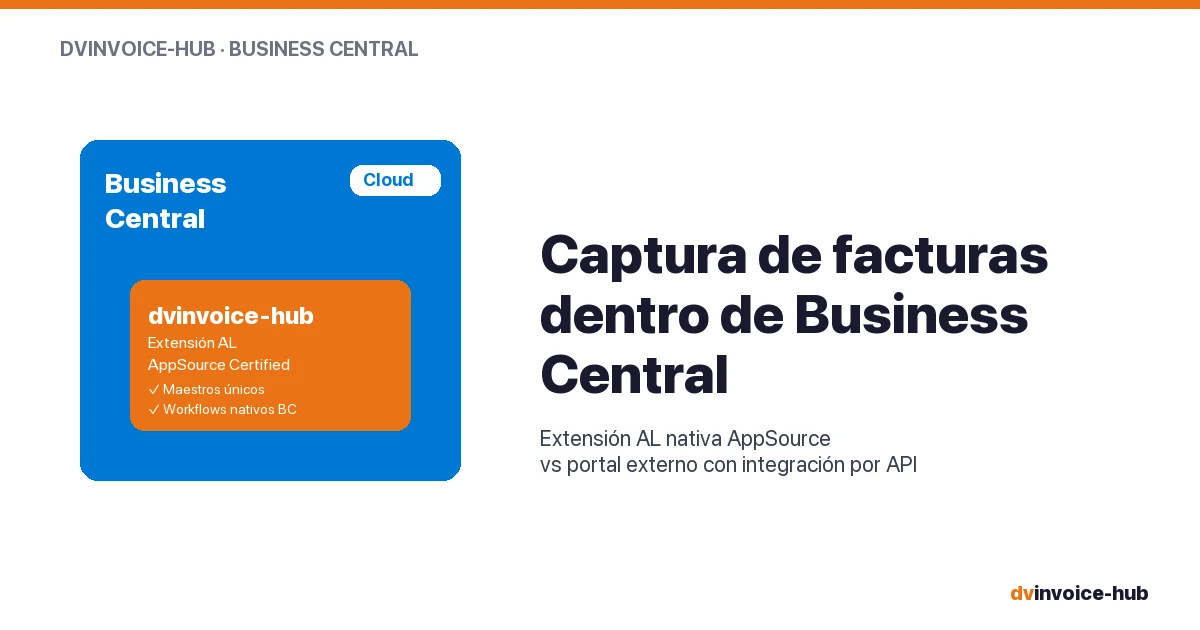
AP Invoice Capture in BC: Native Extension vs Portal
AP invoice capture in Business Central: why a native AL extension is more robust than external portals that break reconciliation and APIs.
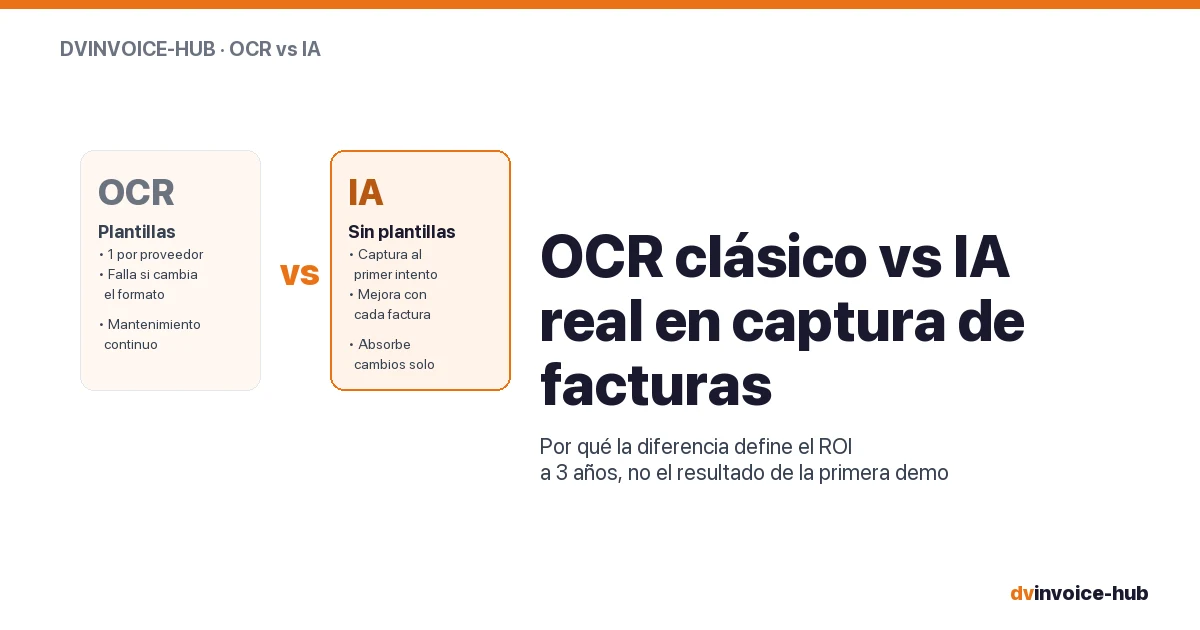
OCR vs AI for AP Invoice Capture in Business Central
Classic OCR and AI-powered capture sound alike but do very different things. Why AI applied to your supplier base reshapes the 3-year ROI.

Manufacturing Operations Management in Business Central
How Business Central + dvproduction covers MOM (ISA-95 level 3) for discrete SMB manufacturers without a separate MES. Real scope, real limits.