
Best ERP for Construction Companies on Business Central
Honest 2026 comparison of the best construction ERPs — Business Central + dvproject, SAP B1, Sage 200, Presto, Aplitop. Pros, cons and pricing.
Choosing the best ERP for a construction company in 2026 is an expensive, long-horizon decision. Expensive because it involves a significant initial investment and a multi-year commitment. Long-horizon because the cost of switching after 3 years — if you got it wrong — multiplies the initial investment by 2-3x.
This article is an honest comparison of the real options for a mid-sized Spanish contractor (20-200 people, 5-30 simultaneous projects). No inflated rankings, no “world’s best ERP” — just pros, cons and pricing.
Disclosure: Davisa Informática is the author of dvproject Construcción on Business Central. We have tried to be fair to the competition and honest about our own limitations. If your case fits a different route, we will say so.
What a construction company actually needs from an ERP
Contractors have very specific needs that a generic ERP does not cover well:
| Need | Why it matters |
|---|---|
| Chapter → Work Item → Sub-item structure | Native logic of the sector — without this, everything is harder |
| BC3 import (Presto, Arquímedes) | The technical office will not re-key the budget |
| Progress billing (work certifications) | Periodic legal document to invoice the developer |
| Performance retention (typically 5%) | Contractual obligation, released on warranty period |
| Documented change orders | 3-10% of revenue that is lost if not tracked |
| Subcontractors with payroll docs and statutory payment law | Legal compliance, audit risk |
| Mobile entry by the site manager | Without this, data arrives late and incomplete |
| Real-time margin per project | The difference between a profitable and a lost project |
| Integrated local statutory accounting | Avoids “exporting to the accountant” every month |
| Financial reporting (Power BI, Excel) | Banks, partners, board |
Any ERP that does not cover at least 8 of these 10 pieces (natively or with a strong vertical extension) is poorly positioned for construction.
The real options in the Spanish market in 2026
1. Microsoft Dynamics 365 Business Central + dvproject Construcción
Summary: standard Microsoft ERP + Davisa’s specialised vertical extension.
✓ Guaranteed continuity (Microsoft, not a startup). ✓ Cloud-native (BC SaaS) with monthly updates. ✓ dvproject Construcción covers the 10 sector needs natively. ✓ Direct BC3 import from Presto/Arquímedes. ✓ Site-manager app with geotagged photos, daily reports, e-signature. ✓ Integrated Power BI for dashboards. ✓ Complete Spanish statutory accounting, AEAT filings, reverse-charge VAT. ✓ Wide partner ecosystem in Spain.
✗ Moderate-to-high initial investment (€35-95k project + licences). ✗ Not plug-and-play — requires 4-7 months of implementation. ✗ Requires the back-office team to learn BC.
Best fit for: contractors of 20-200 people, 5-30 simultaneous projects, willing to professionalise operations.
2. SAP Business One + construction add-on
Summary: SAP’s SMB ERP, with a partner’s vertical extension for construction.
✓ SAP brand, secured continuity. ✓ Solid support for general processes (purchasing, sales, inventory). ✓ Suitable if your group already runs SAP at corporate level.
✗ Spanish construction extensions are less mature than dvproject on BC. ✗ Smaller partner ecosystem in construction. ✗ Less direct BC3 import. ✗ Licence and maintenance cost slightly higher than BC in the SMB segment.
Best fit for: Spanish subsidiaries of groups already standardised on SAP.
3. Sage 200 (formerly Sage Murano)
Summary: traditional Spanish ERP with a projects module.
✓ Fast implementation. ✓ Complete Spanish statutory accounting. ✓ Reasonable licence cost. ✓ Strong installed base in Spain, easy to find consultants.
✗ Mature-stage product — innovation (AI, pure cloud, Power Platform) arrives more slowly. ✗ Functional projects module but less deep on complex certifications, retentions, change orders. ✗ Limited field mobility (site-manager app).
Best fit for: small-to-medium contractors with standardised processes and no complex mobility needs.
4. Proprietary vertical construction ERP
Examples: TCQi, ConstrucPRO, other Spanish vertical tools.
✓ Deep construction functionality from day one. ✓ Moderate learning curve for site teams. ✓ Close sector-specific support.
✗ Proprietary platform — you are locked in with the vendor. ✗ Accounting and integration with other systems (CRM, BI) require connectors. ✗ Closed ecosystem: if you need something non-standard, you depend on the vendor’s roadmap. ✗ Continuity risk: if the vendor changes hands or shuts down, serious problem.
Best fit for: small contractors (5-20 people) with tight budget and simple processes.
5. Excel + generic accounting + Presto
Summary: the reality of many small Spanish contractors.
✓ Low initial cost. ✓ Flexibility.
✗ Does not scale beyond 3-5 simultaneous projects. ✗ No real traceability. ✗ Hidden cost in errors, lost change orders, forgotten retentions, admin delays.
Best fit for: solo or 2-3 person contractors, first project.
Side-by-side comparison
| Criterion | BC + dvproject | SAP B1 | Sage 200 | Proprietary vertical | Excel+Presto |
|---|---|---|---|---|---|
| Native BC3 structure | ✓✓✓ | ✓ | ✓ | ✓✓ | n/a |
| Automatic progress billing | ✓✓✓ | ✓✓ | ✓✓ | ✓✓✓ | ✗ |
| Subcontractor compliance docs | ✓✓✓ | ✓ | ✓✓ | ✓✓ | ✗ |
| Site-manager mobile app | ✓✓✓ | ✓ | ✓ | ✓ | ✗ |
| Real-time margin | ✓✓✓ | ✓✓ | ✓ | ✓ | ✗ |
| Spanish statutory accounting | ✓✓✓ | ✓✓ | ✓✓✓ | Connected | External |
| Power BI / reporting | ✓✓✓ | ✓✓ | ✓ | ✓ | ✗ |
| Cloud-native | ✓✓✓ | ✓✓ | ✓ | Varies | n/a |
| Product continuity | ✓✓✓ | ✓✓✓ | ✓✓ | ⚠ | n/a |
| Implementation cost | Medium-high | High | Medium | Low-medium | Minimal |
| 5-year TCO | Medium | High | Medium | Low-medium | Hidden high |
Indicative 2026 pricing
For a 30-50 user contractor:
| Solution | Initial investment | Monthly recurring |
|---|---|---|
| BC + dvproject | €35,000-95,000 | ~€2,500-4,500/month |
| SAP Business One + add-on | €50,000-130,000 | ~€3,000-5,500/month |
| Sage 200 | €25,000-60,000 | ~€1,800-3,500/month |
| Proprietary vertical | €15,000-45,000 | ~€1,200-2,500/month |
Figures are indicative — actual pricing depends on specific scope.
How to choose — the simplified decision tree
-
How many simultaneous projects do you run?
- 1-3 → proprietary vertical or improved Excel.
- 4-15 → Sage 200 or BC + dvproject.
- 15+ → BC + dvproject.
-
Do you need field mobility (site-manager app)?
- Yes → BC + dvproject or a vertical strong on mobility.
- Not a priority → any option.
-
Does your group already run corporate SAP?
- Yes → SAP B1 for synergy.
- No → BC + dvproject.
-
Do you want pure cloud and monthly updates?
- Yes → BC + dvproject (SaaS).
- Not a priority → any option.
-
Do you need serious Power BI / investor-grade reporting?
- Yes → BC + dvproject.
- No → Sage 200 or a vertical may be enough.
Typical mistakes when choosing a construction ERP
- Choosing on initial price, ignoring TCO: the cheapest solution on day 1 is usually the most expensive over 5 years.
- Underestimating sector depth: a generic ERP “with a projects module” usually has a very thin projects module.
- Forgetting integration with the technical office: if Presto/Arquímedes does not connect cleanly, the team will keep re-keying.
- Implementing without internal sponsorship: the best ERP fails if the general manager does not back it.
- Not measuring before or after: if you do not know your real margin today, you will not know how much the ERP improved it.
Closing — the best ERP is the one that gets adopted
More important than the product: how it is implemented, who leads it inside your company, and the discipline of the team. A poorly implemented BC + dvproject gives worse results than a disciplined Excel. A disciplined Excel running 30 projects is unsustainable.
If you want an honest assessment of which solution fits your construction company — no smoke and mirrors — talk to a Davisa advisor. 30 minutes. If your case does not fit BC + dvproject, we will say so and point you to the alternative that does.
Artículos relacionados
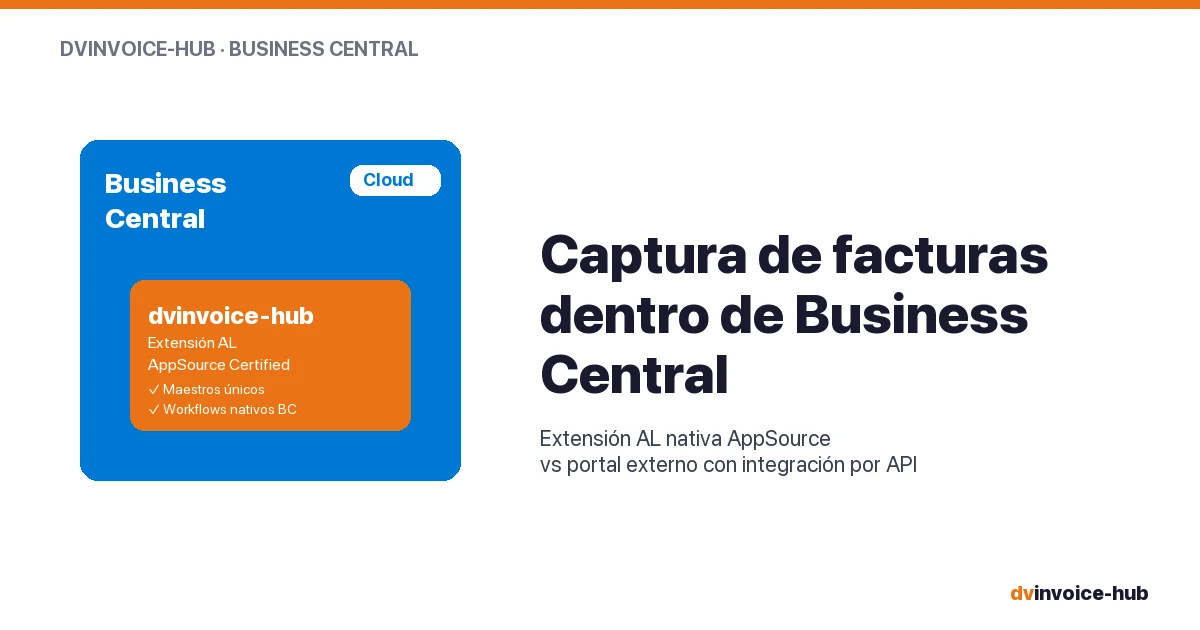
AP Invoice Capture in BC: Native Extension vs Portal
AP invoice capture in Business Central: why a native AL extension is more robust than external portals that break reconciliation and APIs.
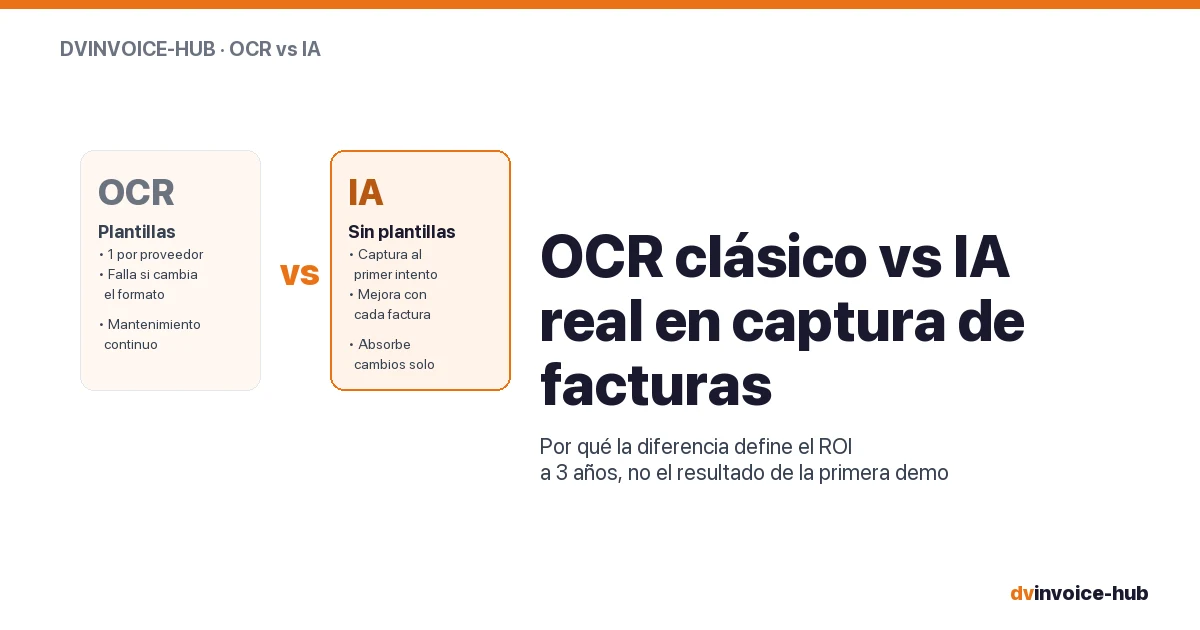
OCR vs AI for AP Invoice Capture in Business Central
Classic OCR and AI-powered capture sound alike but do very different things. Why AI applied to your supplier base reshapes the 3-year ROI.

Business Central Pricing & License Levels Explained (2026)
Clear breakdown of Microsoft Dynamics 365 Business Central license levels (Essentials, Premium, Team, External Accountant) with real prices and use cases for 2026.