
How to Calculate Labour Cost per Project
Step-by-step guide to calculating labour cost per project: real cost-per-hour (including employer social security contributions and actual working hours), time allocation, and margin — with a worked numerical example.
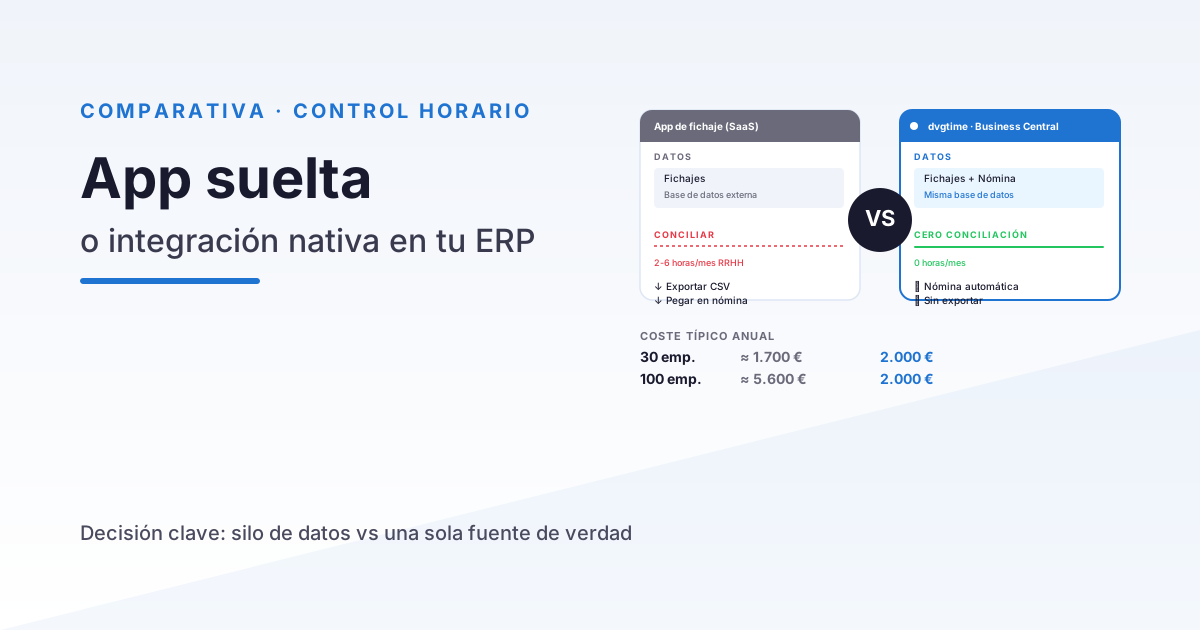
Knowing exactly what each project costs is the difference between running your business on solid data and flying blind. If you don’t know the real labour cost of each project, you can’t know your margins, which clients are actually profitable, or which ones are quietly draining money. This guide walks you through how to calculate labour cost per project — from the true cost per hour for each team member to the final margin, complete with a worked numerical example. All figures shown are illustrative examples created purely to demonstrate the method; they are not real data from any specific industry.
Stop wrestling with spreadsheets. dvgtime automates time tracking, absences, and costs. It works standalone (browser, mobile app, and kiosk — no ERP required) or natively connected to Microsoft Dynamics 365 Business Central, as an optional integration. See a demo.
Why calculating cost per project matters
Project revenue is easy to see: it’s what you charge the client. Cost, on the other hand, tends to be fuzzy. And without cost there’s no margin: margin = revenue − cost. If you’re estimating costs by gut feel, you’re quoting blind and exposing yourself to several risks:
- Underpricing below cost — and discovering that a “profitable” project was actually running at a loss.
- Not knowing where the margin is — which types of projects, clients, or teams generate profit and which ones eat into it.
- Repeating the same mistakes — because you’re not analysing the real outcome of each completed job.
The foundation of all this analysis is knowing what one hour of work actually costs for each employee.
Real cost per hour for an employee
A very common mistake is assuming that the hourly cost equals the gross salary divided by contracted hours. The reality is significantly higher, because the cost to the company includes far more than just the salary.
What goes into the total annual employer cost
To get the total annual employer cost for a person, start with the gross salary and add the additional costs borne by the company:
- Annual gross salary.
- Employer social security contributions: the payroll taxes the company pays on top of the salary (general contingencies, unemployment, training, wage guarantee fund, etc.). This is a significant percentage that’s easy to overlook.
- Other direct costs: training, IT equipment, software licences, travel allowances, or any other expense associated with having that person working.
What “effective annual hours” means
The second ingredient is the hours actually worked in a year — not the theoretical hours in the contract. Holidays, public holidays, and absences (sick leave, personal days, etc.) all need to be deducted from the theoretical total. Using theoretical hours understates the cost per hour, because it spreads the annual cost across more hours than are actually worked.
The formula
Cost per hour = Total annual employer cost ÷ Effective annual hours
Here’s a worked illustrative example (round figures, made up purely to demonstrate the method):
- Annual gross salary: €30,000
- Employer social security contributions (example): €9,000
- Other direct costs (training, equipment, licences): €3,000
- Total annual employer cost = €42,000
For effective hours, we start with a theoretical workload of 1,800 hours/year and subtract holidays, public holidays, and estimated absences (300 hours in this example):
- Effective annual hours = 1,800 − 300 = 1,500 hours
Applying the formula:
€42,000 ÷ 1,500 h = €28/hour (example cost per hour)
Notice the difference: if we had simply divided the gross salary (€30,000) by the theoretical hours (1,800 h), we would have arrived at €16.67/hour — barely half the real figure. That gap is exactly what gets lost when the numbers aren’t done properly.
Allocating hours to projects
Knowing the cost per hour is useless unless you know which project each hour was spent on. This is the critical piece: your people need to record, when clocking in or at the end of the day, which project or cost centre they spent their time on.
This is why time tracking with project allocation is so important — it’s not enough to know that someone worked 8 hours; you need to know that they spent 5 hours on project A and 3 hours on project B. Without that allocation, distributing costs across projects becomes an unreliable estimate. If you work with Microsoft Dynamics 365, it’s worth seeing how this fits into time tracking in Business Central.
Project cost: the full formula
Once you have the cost per hour for each person and the hours each of them allocated to the project, the calculation is straightforward:
Project cost = Σ (hours allocated per person × their cost per hour) + other direct costs
“Other direct costs” are expenses attributable to the project that aren’t personnel hours: subcontracting, materials, specific travel, dedicated licences, and so on.
From cost to margin: a table example
Let’s take a project with three team members. All figures are illustrative examples:
| Person | Cost per hour | Hours allocated | Cost |
|---|---|---|---|
| Senior consultant | €40 | 80 h | €3,200 |
| Technician | €28 | 120 h | €3,360 |
| Junior | €20 | 100 h | €2,000 |
| Other direct costs | — | — | €1,440 |
| Total project cost | — | 300 h | €10,000 |
If this project was invoiced to the client for €14,000, the margin calculation would be:
| Item | Amount |
|---|---|
| Revenue | €14,000 |
| Labour cost + direct costs | €10,000 |
| Margin | €4,000 (≈ 28.6%) |
With this figure you can make informed decisions: if your target margin is 35% and this project comes in at 28.6%, you know something in either the quote or the execution needs adjusting. To estimate the savings from having these numbers properly under control, try our ROI calculator.
Common mistakes when calculating project cost
- Using theoretical hours instead of effective hours: this understates the cost per hour and therefore the project cost.
- Forgetting employer social security contributions: the real cost to the company is considerably higher than the gross salary.
- Inaccurate time allocation: if employees log their hours from memory at the end of the month, the data simply isn’t reliable.
- Outdated spreadsheets: broken formulas, duplicate versions, and data no one keeps up to date. We compare this approach with a dedicated tool in our comparison guide.
How dvgtime helps you calculate project costs
dvgtime, the Spanish SaaS workforce management and time tracking tool by DAVISA INFORMÁTICA, is built precisely to close this loop. It works independently (browser, mobile app, and kiosk — no ERP required) and lets you allocate hours to projects and cost centres directly at clock-in, assign a rate or cost per hour per employee, and get a project-by-project, team-by-team, or period-by-period cost breakdown without building manual spreadsheets.
In addition, if your company uses an ERP, dvgtime connects natively and optionally to Microsoft Dynamics 365 Business Central — or to other ERPs (Sage, SAP…) via connector — where the data is ready for invoicing and analysis alongside the rest of your financial information. You can see how this integration fits together in how to manage time tracking in Business Central.
Stop quoting blind. We’ll walk you through dvgtime with your own projects and cost-per-hour figures, no commitment required. Request a demo.
Keep reading
Artículos relacionados
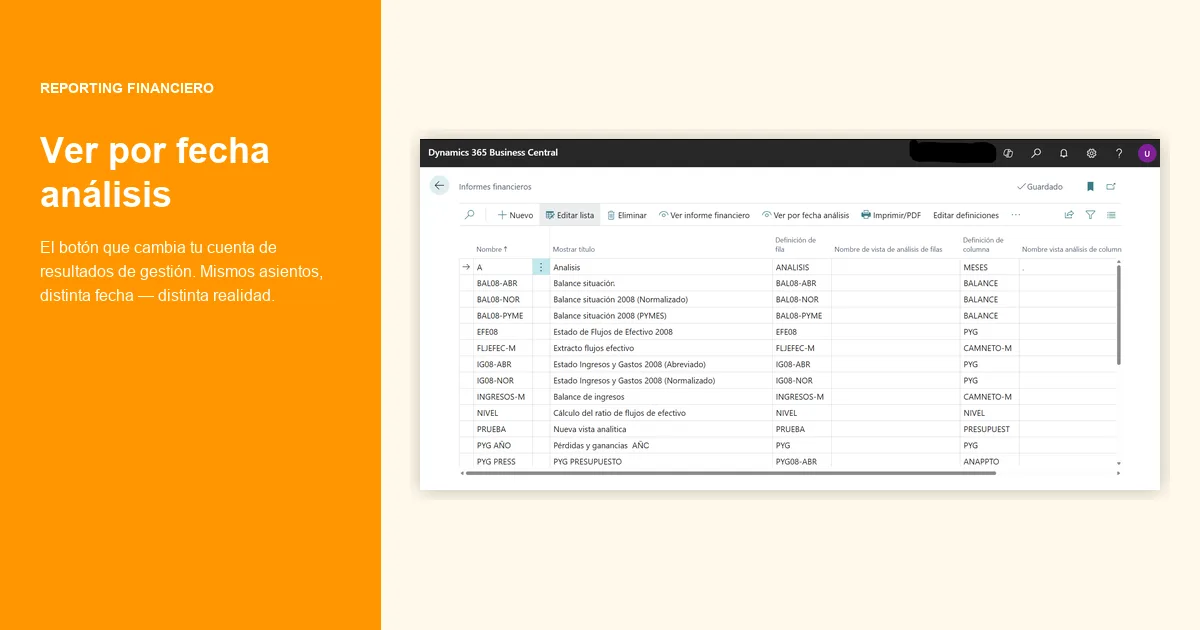
Accrual vs Invoice-based P&L Reporting in Business Central
Accrual vs invoice date in the monthly P&L: numerical examples of how monthly margins shift depending on which closing criterion you use.
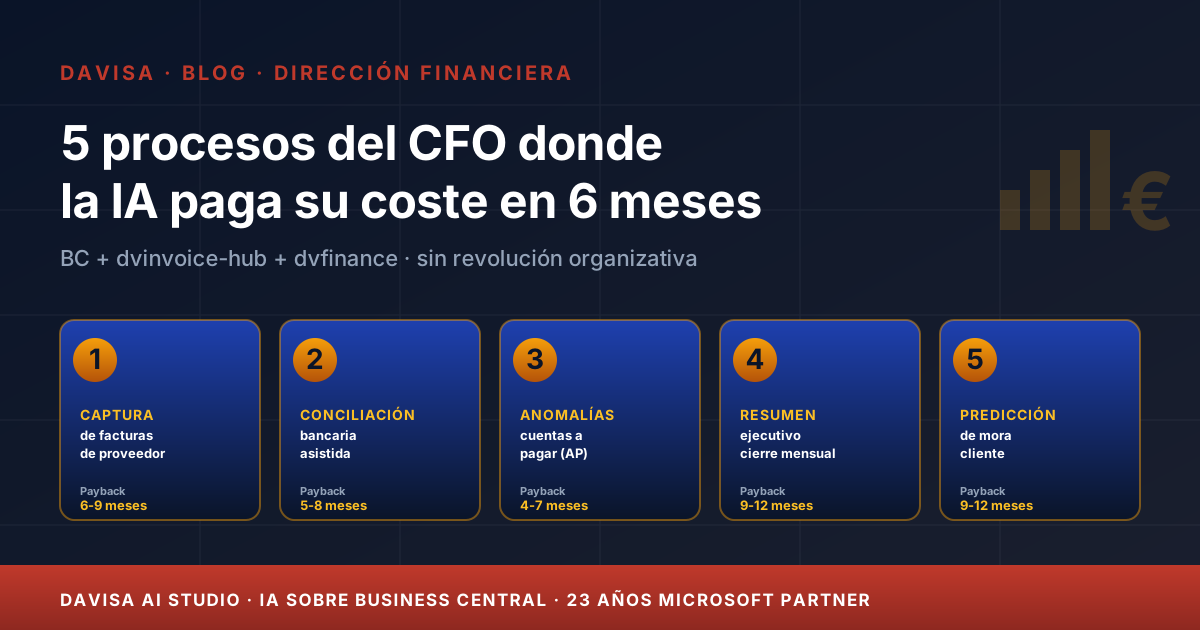
5 CFO Processes Where AI Pays for Itself in 6 Months
Five finance processes where AI is mature today, with measurable 6-month ROI on Business Central, dvinvoice-hub and dvfinance — no organisational revolution required.
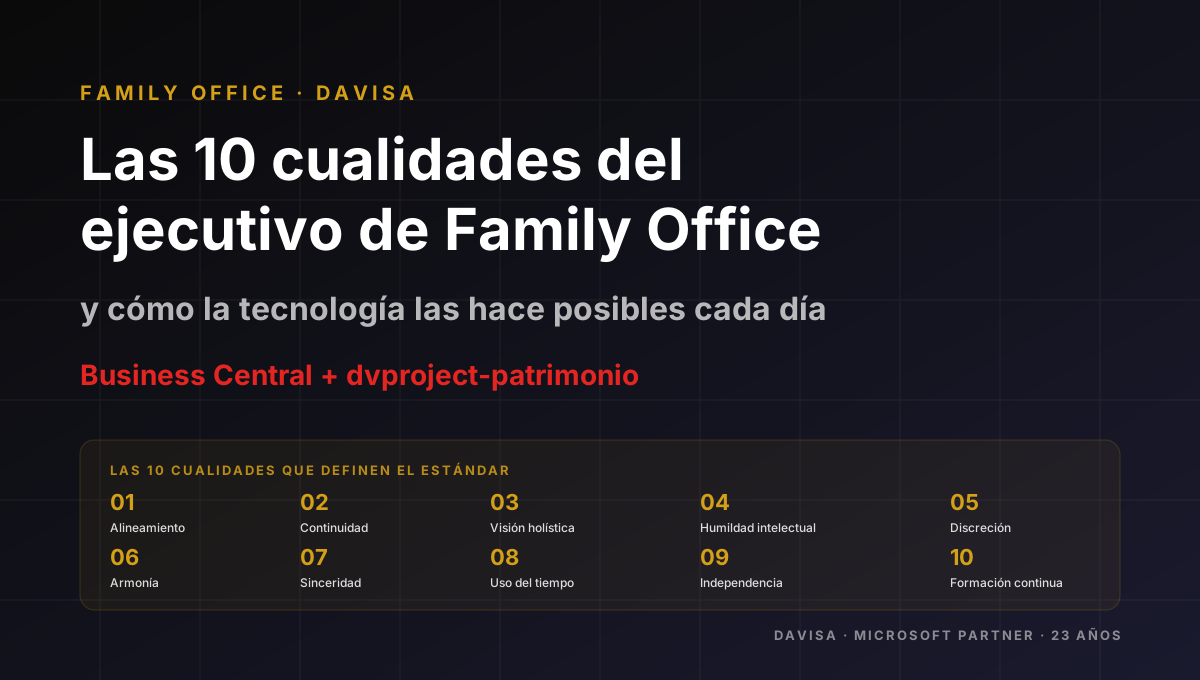
Family Office: The 10 Capabilities of an Excellent Team
Ten operational capabilities that distinguish the team of a serious Family Office, and how dvproject-patrimonio on Business Central supports them every day.