
How to Choose Time Tracking Software (2026 Guide)
A practical guide to choosing time tracking software: legal compliance, multi-device clock-in, ERP integration, absence management, project costing, roles, security, and true total cost.
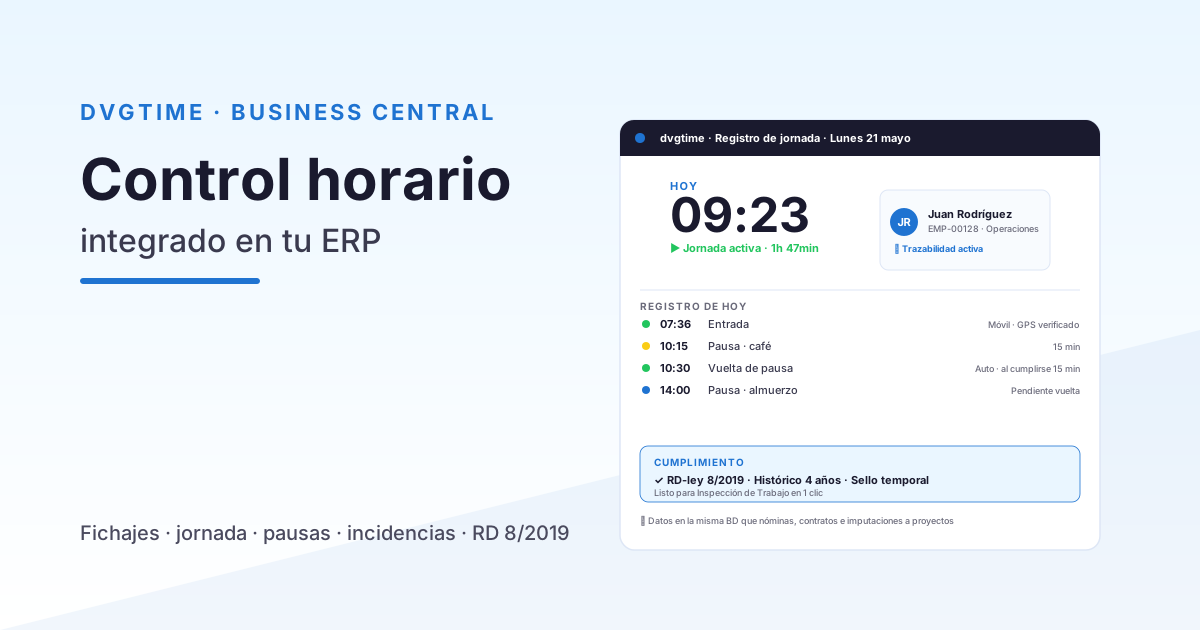
There are dozens of time tracking solutions out there, and nearly all of them promise the same thing. But once you actually deploy one, the differences become very real: some remain nothing more than a basic clock-in app, while others genuinely bring order to workforce management and connect with your ERP. This is a practical guide covering the criteria that truly make a difference when making your choice.
Comparing options? Check out our feature-by-feature comparison and calculate your potential savings before you decide. See comparison.
1. Real legal compliance — not just on paper
This is the bare minimum, but not every solution meets it equally. Look for daily per-employee records, four-year retention, and — above all — an immutable, auditable log: if records can be edited after the fact without leaving a trace, they won’t hold up as evidence. Review the requirements in mandatory time tracking in Spain.
2. Multi-device clock-in
Your workforce isn’t one-size-fits-all: you have office workers, shop-floor staff, construction crews, and remote employees. The software needs to support clock-in from a mobile device, a shared kiosk, and a browser, so every person can use the channel that works for them. If only one option is available, someone will inevitably fall through the cracks.
3. Integration with your ERP
This is where the biggest gap opens up. A standalone app forces you to export data and re-enter it manually in your management system. An integrated solution pushes time records directly into the ERP — no double entry, no copy-paste errors. If you run Microsoft Dynamics 365, this is a deciding factor: we cover it in detail at time tracking in Business Central.
The best time tracking software isn’t the one with the most buttons — it’s the one that gets the data to where you actually need it, automatically, without anyone copying it by hand.
4. Absence and vacation management
Time tracking is only part of the picture. A solid solution also handles leave requests, approvals, and vacation balances in the same place, with no spreadsheets involved. We walk through this in vacation and absence management for SMEs.
5. Project allocation and cost tracking
If you bill time to projects, having the system support it directly changes your profitability picture. Being able to assign hours to projects and cost centres — and calculate the true cost per project — turns a time log into actual business intelligence. We explain how in how to calculate labour cost per project.
6. Roles and permissions
Not everyone should see everything. Look for clear, well-defined roles: administrator, team manager (who can view and approve their own team’s records), and employee (who sees only their own data). A solid access-control model protects privacy and cuts down on day-to-day friction.
7. Security and data protection
You’re dealing with personal data. Verify that the solution offers encryption, company-level data isolation, audit logs, and full GDPR compliance. For cloud-hosted solutions, ask specifically where the data is stored.
8. Ease of use and onboarding
If clocking in is a hassle, people won’t do it. Prioritise a clean, intuitive interface, in-product guidance, and a fast setup process. The less it relies on technical configuration, the better.
9. Support and responsiveness
A vendor who genuinely understands local labour regulations and responds quickly is worth more than a thousand extra features. Ask upfront about support channels and response times.
10. True total cost
Look beyond the subscription fee: factor in the administrative time you save and the errors you avoid. You can estimate this with our ROI calculator.
How dvgtime fits the picture
dvgtime, from DAVISA INFORMÁTICA, is built around exactly these criteria: compliance with Art. 34.9 with an immutable audit trail, clock-in from mobile/kiosk/web, native Business Central integration (the connector installs automatically with a licence key), absence and vacation management, project costing, role-based access, and company-level data isolation. If you want to see how it stacks up against other approaches, take a look at the comparison; if you want the numbers, try the ROI calculator.
Looking for the right time tracking software? We’ll walk you through dvgtime using your own real-world scenarios and answer any questions — no commitment required. Request a demo.
Keep reading
Artículos relacionados
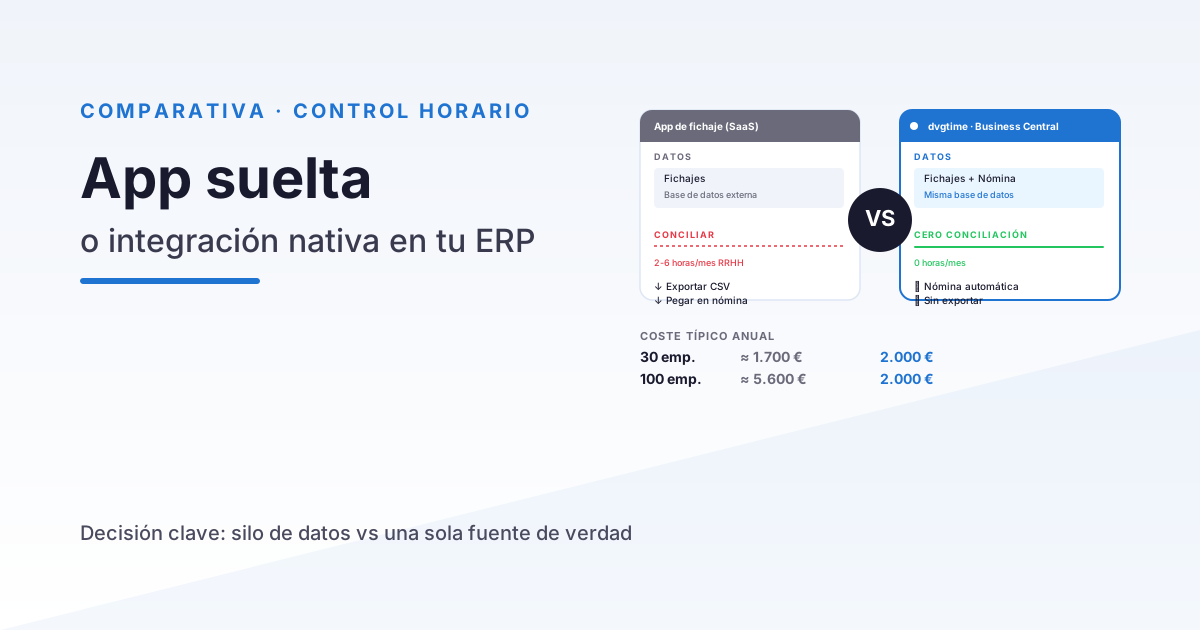
Time Tracking App vs Integrated Time Control in Your ERP
A practical comparison between generic time tracking apps (Sesame, Bizneo, Personio) and time control integrated in Business Central. When to choose each option.
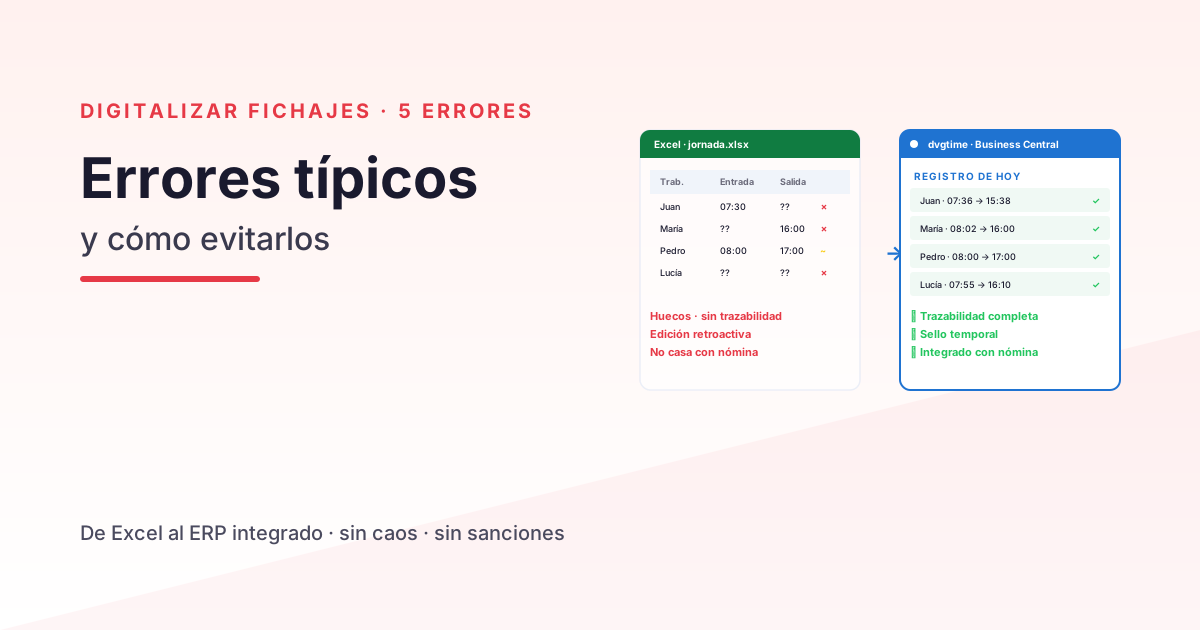
Digitalising Time Tracking in Your Company: 5 Common Mistakes
The 5 most common mistakes when digitalising time tracking in a Spanish SME — and how to avoid them. An operational guide for HR and operations management.
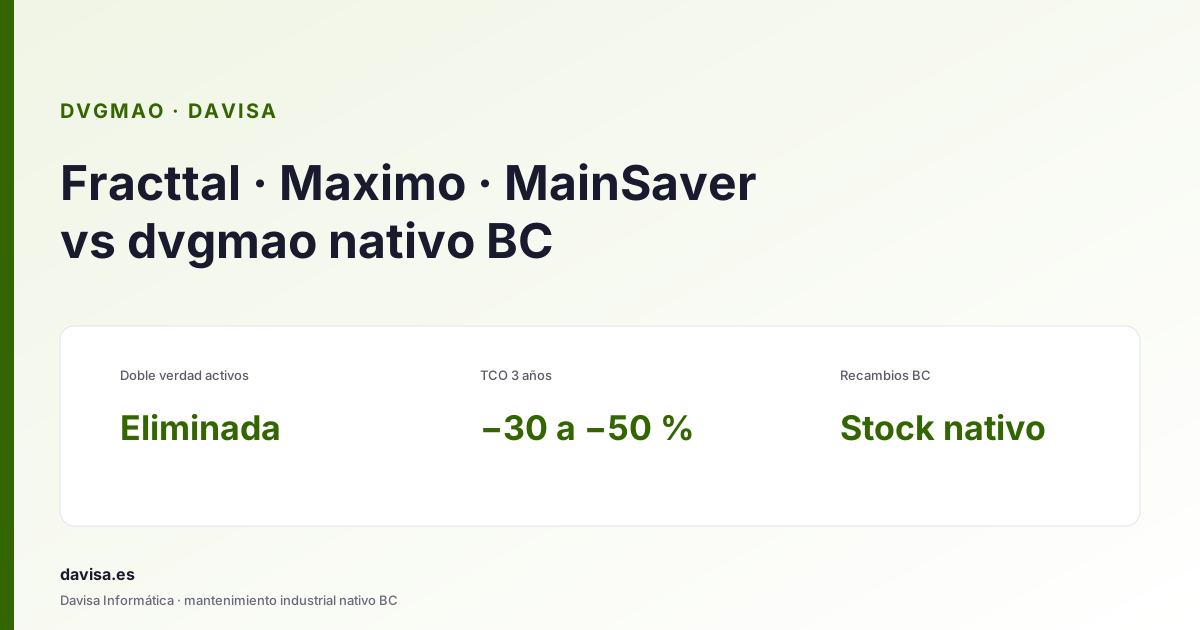
Fracttal, Maximo & Mainsaver vs dvgmao: CMMS in BC
Top CMMS platforms (Fracttal, Maximo, Mainsaver, MaintainX) compared with dvgmao, the native Business Central option. When each one fits.