
Mandatory Time Tracking in Business Central
What RD-ley 8/2019 requires, what fines the Labour Inspectorate can impose, and how to comply using dvgtime — standalone or connected to Microsoft Dynamics 365 Business Central or another ERP.
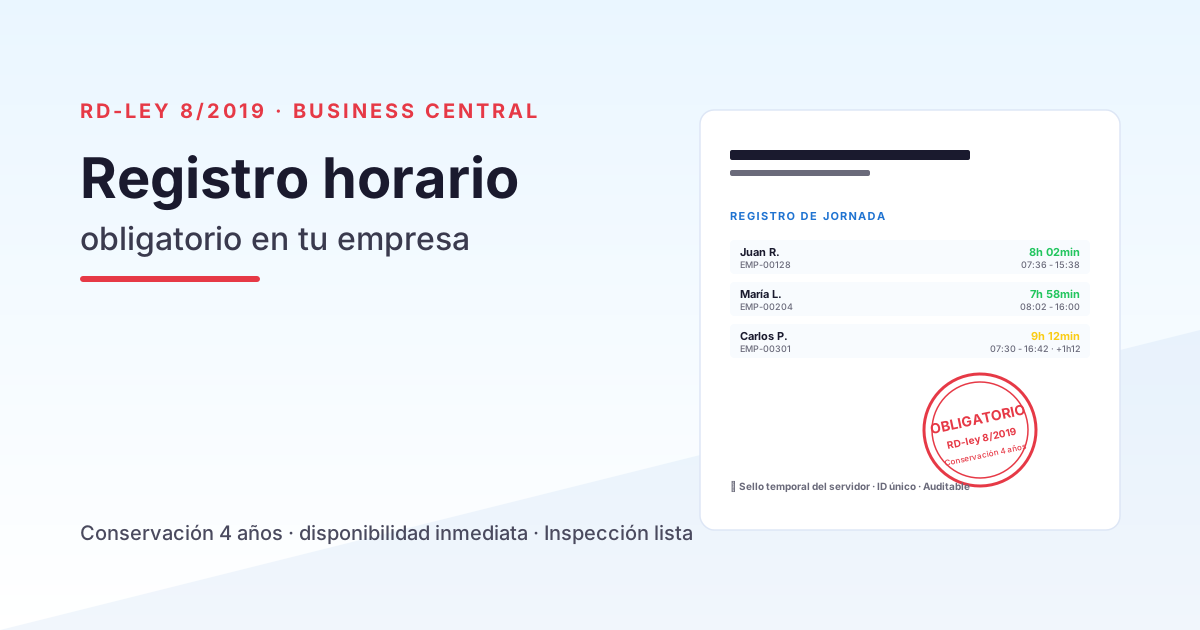
Since 12 May 2019, all Spanish companies are legally required to keep a daily record of each employee’s working hours. There are no exceptions based on company size or industry sector, and compliance is not optional. Royal Decree-law 8/2019 amended Article 34 of the Workers’ Statute to introduce this obligation, and the Labour Inspectorate has been intensifying targeted enforcement ever since.
Despite this, seven years on, a significant share of Spanish SMEs still lack a reliable time-tracking system. Some rely on signed spreadsheets, others on paper sheets, and some keep no records at all. This guide explains exactly what the law requires, what risks you face if you do not comply, and how to get it right with dvgtime — a Spanish SaaS platform for workforce management and time tracking that works standalone (browser, mobile app, and kiosk, with no ERP required) or connected — natively to Microsoft Dynamics 365 Business Central, or to other ERPs such as Sage or SAP via connector. In other words: you can comply with the law whatever ERP you use, or even with no ERP at all.
What RD-ley 8/2019 actually says
The operative part of the legislation is concise. The obligation comes down to three requirements:
1 · Daily records — not weekly or monthly
Companies must log the exact start and end time of each employee’s working day, every single day. A monthly declaration stating “this employee worked X hours this month” is not sufficient. The minimum granularity is daily, with clock-in and clock-out times.
2 · Four-year retention period
Records must be kept for 4 years — the same retention period that applies to payslips. That period matches the statute of limitations for labour infringements, which means the Inspectorate can request records going back up to 4 years in any enforcement action.
3 · Immediate availability
Records must be available at any time to:
- The Labour Inspectorate (on an inspection visit or in response to a documentary request).
- The employee legal representatives (works council or trade union delegates).
- Employees themselves (each employee has the right to access their own records).
“Immediately available” means exactly that: “give us three days to reconstruct it” will not fly. If asked, you hand it over on the spot.
What fines the Inspectorate can impose
Non-compliance is classified as a serious infringement under Article 7.5 of the LISOS (Law on Labour Infringements and Sanctions). The penalty bands are:
| Band | Amount |
|---|---|
| Minimum | €751 – €1,500 |
| Middle | €1,501 – €3,750 |
| Maximum | €3,751 – €7,500 |
The fine applies per company, not per employee. There is, however, an important aggravating factor: if the absence of records prevents the Inspectorate from establishing whether overtime was paid, a second infringement is added — this one assessed per affected employee. In sectors with long shifts or rotating rosters, that second charge can dramatically increase the total penalty.
What’s more, an infringement notice for time-tracking failures typically triggers a wider inspection covering payroll, employment contracts, and social security contributions. What starts as a poorly kept attendance log can end in a full HR audit.
The three most common compliance approaches
Based on what we see in companies before they implement an ERP with dvgtime:
Approach 1 · Signed spreadsheet (40–50% of SMEs)
The employee fills in a spreadsheet with their start and end times, prints it, and signs it at the end of the month. The company files the signed sheets in a physical or shared folder.
Pros: zero cost; everyone knows how to use a spreadsheet.
Cons:
- Weak traceability: if someone edits an old row, there is no record of the change.
- Hard to distinguish actual working time, breaks, and incidents.
- Consolidating the month’s data for payroll takes hours of HR time.
- “Immediate” availability is questionable: are all the sheets there? Are they all signed?
Approach 2 · Physical time clock with card (20–30%)
The classic badge-reader clock installed at the entrance to the workplace. Each employee clocks in and out.
Pros: high traceability for on-site attendance; robust for manufacturing environments.
Cons:
- Does not cover remote work, on-site field work, or mobile employees.
- Requires hardware maintenance.
- Data is typically exported to a system separate from the ERP — creating an information silo.
Approach 3 · Dedicated mobile app (15–20%, growing)
A purpose-built clock-in app (Bizneo, Sesame, Personio, etc.) that each employee downloads on their phone.
Pros: covers remote work, field work, and office. Good user experience.
Cons:
- External to the ERP — time records must be reconciled with hours posted to projects.
- Recurring per-user cost.
- Shift configuration, calendar management, and exception handling are often limited.
Approach 4 · Dedicated SaaS time-tracking tool, ERP-connectable (the approach this guide recommends)
Time records live in a dedicated SaaS platform (dvgtime in Davisa’s case) that works on its own and, when needed, connects to the ERP. Each employee clocks in via the mobile app, browser, or a kiosk, and the data is centralised with full legal traceability. If the company uses Business Central, dvgtime connects natively and the data flows directly into the same database as payroll, contracts, and project time allocations; if it uses another ERP (Sage, SAP…), a connector is used; and if there is no ERP, compliance is achieved just the same.
Pros:
- Single source of truth (no reconciliation between systems), connectable to the ERP whenever you need it.
- Strong traceability (every modification is audited).
- Automatic legal retention for the full 4-year period.
- Immediate availability: the Inspectorate requests a report; you export it in two clicks.
Cons:
- If you want data inside the ERP without manual reconciliation, you need to integrate (native with Business Central; via connector for other ERPs) — but time-tracking compliance is achieved from day one even without any integration.
How dvgtime covers RD-ley 8/2019 point by point
dvgtime is Davisa’s SaaS platform for workforce management and time tracking that works standalone or connected to your ERP (natively to Microsoft Dynamics 365 Business Central, or to others such as Sage and SAP via connector). It covers all three legal requirements in any of those scenarios:
Requirement 1 · Exact start and end time
Every clock-in entry carries a server-side timestamp (not the employee’s device timestamp — this prevents local clock manipulation). The employee’s unique identifier is linked to the record, and any subsequent change is logged with the editor’s identity and the date of the modification.
Requirement 2 · Four-year retention
dvgtime automatically retains the full clock-in history for the statutory period — no manual backups required. If you work connected to Business Central, the data also lives in the same database as the rest of the ERP, subject to its own retention policy.
Requirement 3 · Immediate availability
The HR manager can generate at any time:
- Individual report per employee (by date or period).
- Company-wide summary report (for the Labour Inspectorate).
- Signed PDF export with a timestamp (admissible as evidence).
- Auditable Excel export (for internal analysis).
All from dvgtime — or from Business Central if you work connected — in under a minute.
Three common mistakes we see before companies get set up
Based on prior audits of companies arriving with time-tracking problems:
1 · “We haven’t been inspected in 7 years — it won’t happen to us”
A dangerous assumption. The Labour Inspectorate prioritises by sector and by complaints. A disgruntled employee filing a claim for unpaid overtime triggers a targeted enforcement action — and in that case, the absence of records is a devastating aggravating factor.
2 · “We have a spreadsheet — that’s enough”
A signed spreadsheet can formally satisfy the regulation — but only if it is complete, gap-free, fully signed, and immediately available. In practice, almost no company using spreadsheets ticks all four of those boxes at 100%.
3 · “We’ll use the free WhatsApp / Google Forms solution”
Generic tools that work for the first week and fall apart when an audit arrives or when records need to be cross-referenced with payroll. It is worth investing from the start in a purpose-built, integrated solution.
Let’s talk
If your company wants to ensure compliance with RD-ley 8/2019 without relying on spreadsheets or standalone apps, book a free session with a Davisa consultant. We run a quick audit (what system do you use today? how many employees? how mobile is your workforce?) and show you how dvgtime on Business Central covers all three legal requirements without friction.
Dig deeper: How to digitise your company’s time records: 5 common mistakes, Clock-in app vs integrated ERP time tracking, and discover dvgtime.
Artículos relacionados
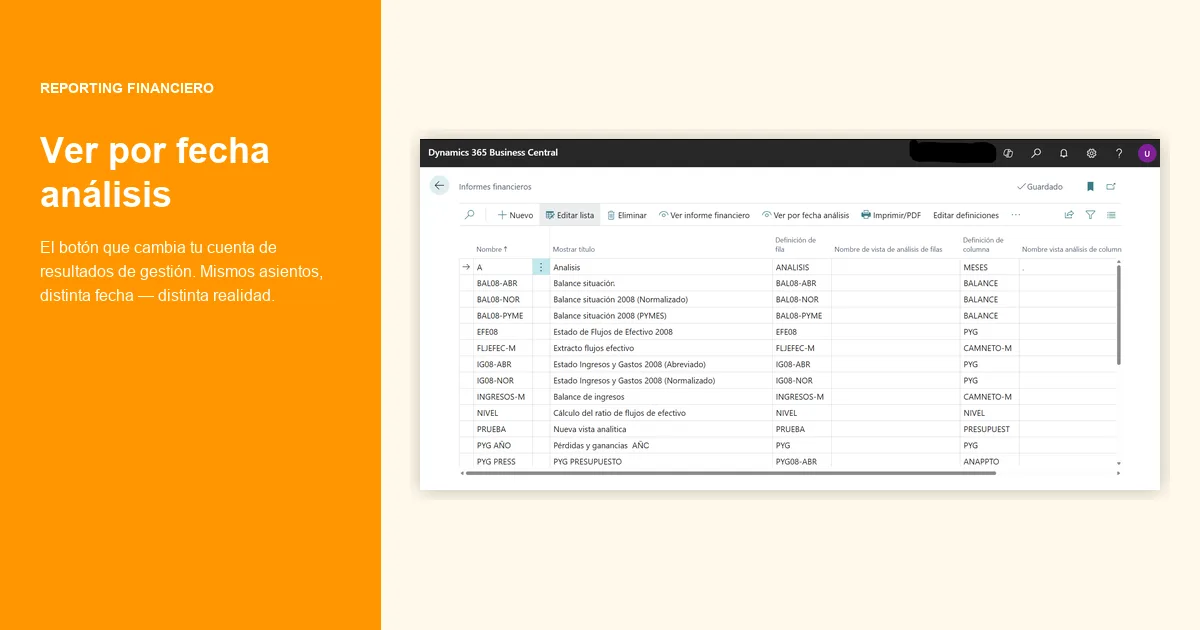
Accrual vs Invoice-based P&L Reporting in Business Central
Accrual vs invoice date in the monthly P&L: numerical examples of how monthly margins shift depending on which closing criterion you use.
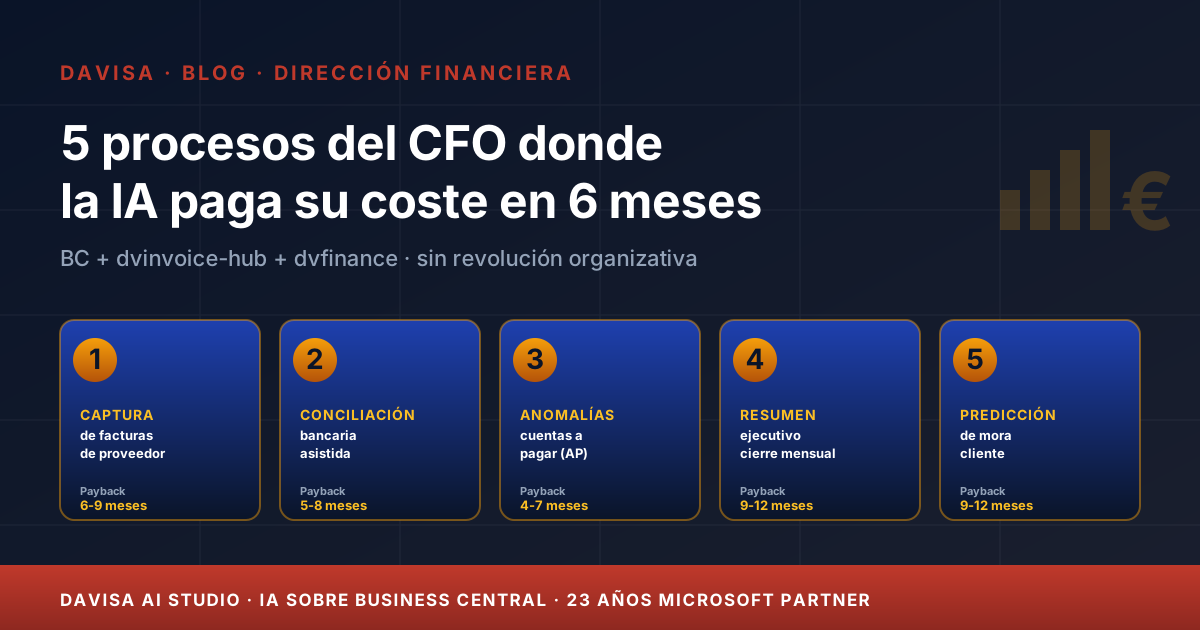
5 CFO Processes Where AI Pays for Itself in 6 Months
Five finance processes where AI is mature today, with measurable 6-month ROI on Business Central, dvinvoice-hub and dvfinance — no organisational revolution required.
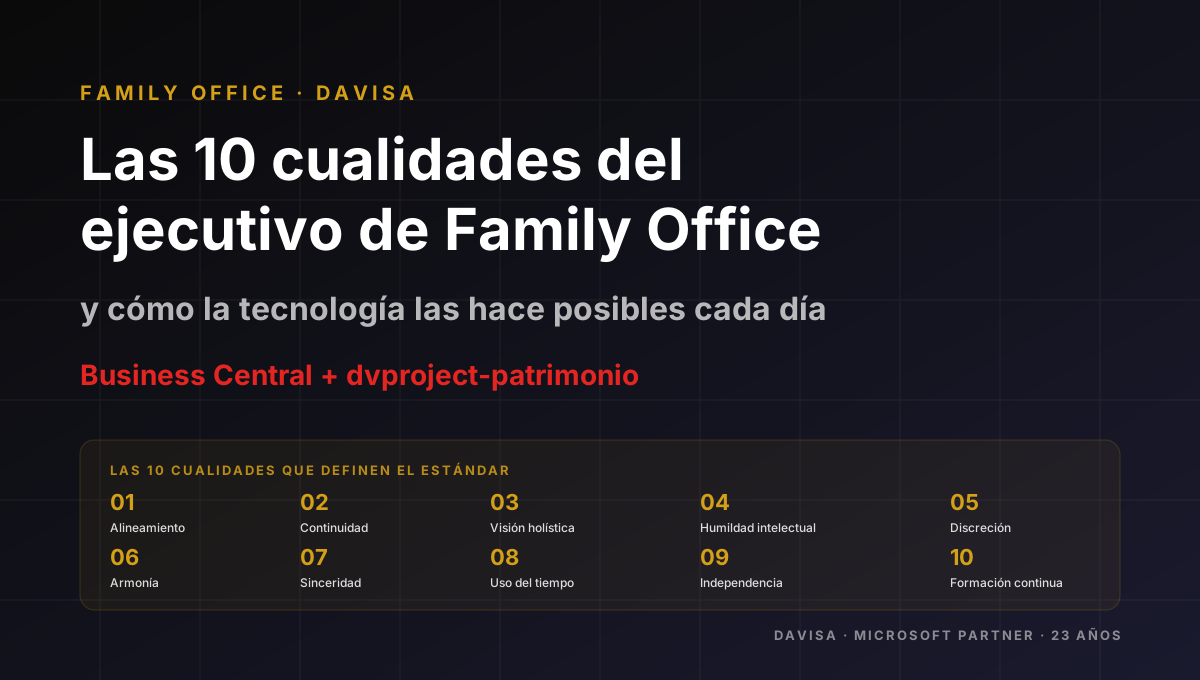
Family Office: The 10 Capabilities of an Excellent Team
Ten operational capabilities that distinguish the team of a serious Family Office, and how dvproject-patrimonio on Business Central supports them every day.