
How to Justify Overtime Hours During a Labour Inspectorate Audit
What the Labour Inspectorate looks for regarding overtime and how to defend yourself with proper time-tracking records. With dvgtime, which works standalone or connected to Business Central or other ERPs.
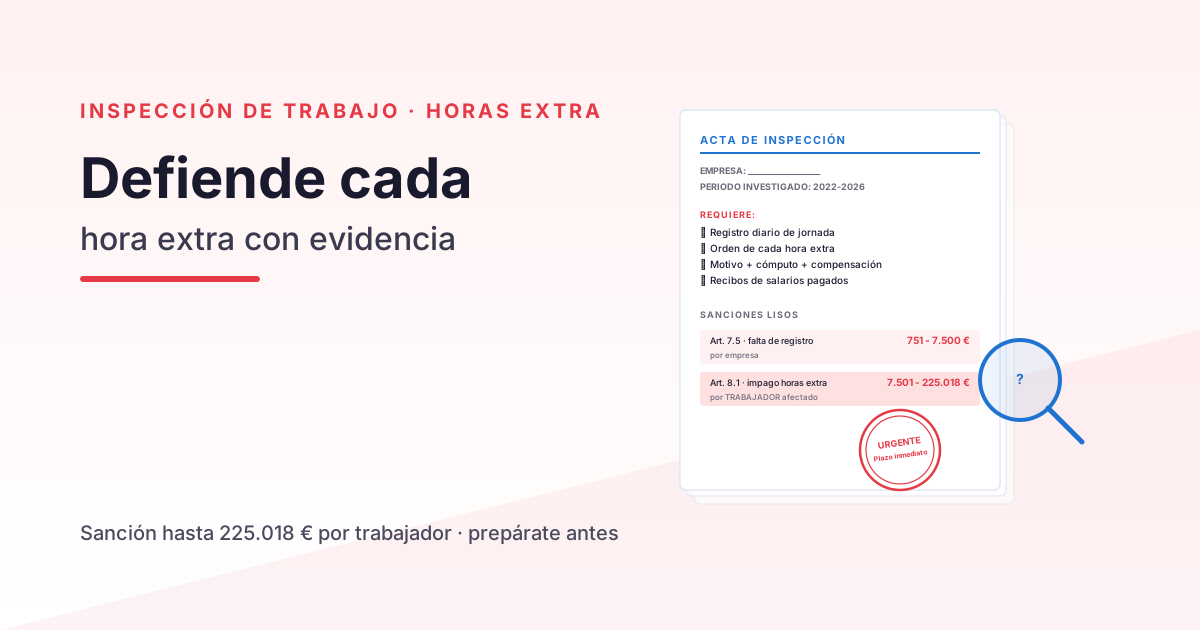
A Labour Inspectorate audit focused on overtime is one of the most common — and most costly — scenarios a staffed company can face. An investigation may be triggered by an employee complaint, a sector-wide enforcement campaign (construction, hospitality, and transport are audited ex officio every year), or a data cross-check when the Inspectorate spots inconsistencies between payroll figures and actual activity volumes.
When an audit arrives, the burden of proof lies with the employer, not the inspector. If you cannot demonstrate with complete records what hours each employee worked, which hours were ordinary and which were overtime, how overtime was authorised, and how it was compensated, the Inspectorate will presume non-compliance.
This guide explains what the Inspectorate requires, what penalties it applies, and how a company with a digital time-tracking system integrated into its ERP can mount a solid defence.
What the Labour Inspectorate Actually Requires
An overtime audit seeks three categories of information:
Category 1 · Daily working-time records
This is the foundation. For each employee under investigation, the Inspectorate wants:
- Clock-in and clock-out times for every working day.
- Breaks (lunch, coffee, personal time) — whether deducted from working time or not.
- Incidents: absences, late arrivals, paid leave.
Without this record, you cannot prove anything else. It is the bedrock of the entire defence.
Category 2 · Documentary justification for overtime
For each overtime hour worked, the Inspectorate wants to see:
- Who authorised it: explicit instruction from the direct line manager (the employee simply staying late on their own initiative is not sufficient).
- Reason: the cause of the need (workload spike, urgent deadline, force majeure, cover for an absent colleague).
- Count: how many hours, on which day, for which employee.
- Compensation: whether the hours were paid (and at what rate) or offset with time off in lieu (and when).
The absence of any one of these four elements is a gap in the defence.
Category 3 · Pay slips
Overtime payments must appear on the pay slip:
- As a specific line item labelled “Overtime hours” (not buried within other concepts).
- With the correct Social Security contributions (overtime contributions differ from those on ordinary hours).
- In the corresponding pay period (not deferred to year-end unless expressly agreed).
If overtime is recorded but not paid — or paid as “ordinary hours” to avoid the higher contribution rate — the Inspectorate will open a very serious infringement report.
The Real Penalties
Two infringements that almost always go hand in hand:
Serious infringement · LISOS art. 7.5
Failure to maintain adequate working-time records.
- Minimum: €751 – €1,500
- Mid-range: €1,501 – €3,750
- Maximum: €3,751 – €7,500
Penalty per company, not per employee.
Very serious infringement · LISOS art. 8.1
Failure to pay wages (including unpaid overtime).
- Minimum: €7,501 – €30,000
- Mid-range: €30,001 – €120,005
- Maximum: €120,006 – €225,018
Penalty per affected employee. If the Inspectorate finds that 5 workers have unpaid overtime, the penalty is applied 5 times over.
The compounding aggravant
If the absence of records makes it impossible to verify actual hours worked, the Inspectorate uses the worst-case scenario as its reference point (presumed non-payment of the maximum computable overtime hours) and applies an “obstruction” aggravating factor to the procedure. Penalties multiply.
How Companies Defend Themselves Effectively
What does NOT work:
- Month-end signed spreadsheets: weak audit trail, unaudited retroactive edits, risk of gaps.
- Physical card-swipe clocks: fine for tracking presence, poor at distinguishing ordinary hours from overtime.
- Generic time-tracking app disconnected from the ERP: it records, but without integration into payroll, matching time records to pay slips is a manual, error-prone process.
What DOES work:
A digital time-tracking system (with your ERP when you use one)
dvgtime is a Spanish SaaS platform for workforce management and time tracking that works standalone — browser, mobile app, and kiosk, no ERP required — and covers time recording and justification on its own. If your company uses an ERP, it connects natively and optionally to Microsoft Dynamics 365 Business Central — or to other ERPs (Sage, SAP…) via connector — to close the loop with payroll. This covers all three categories the Inspectorate requires:
| Category | How dvgtime resolves it (with ERP) |
|---|---|
| Daily records | Server-timestamped clock events, unique identifiers, full modification audit trail, automatic 4-year retention |
| Overtime justification | Manager authorisation workflow + recorded reason + automatic calculation when legal daily limits are exceeded + compensation flag |
| Pay slips | If you use Business Central, calculated overtime hours flow through to payroll with the correct line item — no intermediate spreadsheet |
Generating the report with one click
When an inspector arrives, within one minute you can produce:
- An individual report per employee under investigation (covering the requested period).
- A company-wide report (for sector-wide campaigns).
- A signed PDF export with a timestamp (admissible as evidence).
No manual reconstruction required.
Three Common Mistakes Before an Audit
Drawn from real cases we see at Davisa when companies come to us after an inspection:
1 · “The overtime our people do is voluntary — we don’t track it”
Wrong approach. The Inspectorate presumes that hours worked are hours worked, voluntary or otherwise. What matters is that they are recorded and compensated. An employee’s willingness to stay late does not exempt the company from recording the actual hours.
2 · “We pay overtime as a monthly bonus”
Any compensation that does not appear as a specific ‘overtime hours’ line item on the pay slip is treated as non-payment. The Inspectorate will demand payment as overtime (with the corresponding Social Security contributions) on top of the fine.
3 · “We’ll reconstruct the records when the inspector comes”
The absence of records available immediately on demand is a direct aggravating factor. Reconstructing spreadsheets after the fact is usually detectable through internal inconsistencies — and makes the penalty worse.
Want to Talk It Through?
If your company wants to ensure it meets working-time recording requirements and can properly justify overtime before a potential audit, book a free session with a Davisa consultant. We carry out a quick audit of your current situation — which system you use, what percentage of your workforce does overtime, what your risk exposure is — and show you how dvgtime covers the three categories the Inspectorate will ask for, whether running standalone or connected natively to Business Central or other ERPs when you need it.
Go deeper: Mandatory time tracking in Business Central, Digitalising your company’s time records: 5 common mistakes and discover dvgtime.
Artículos relacionados
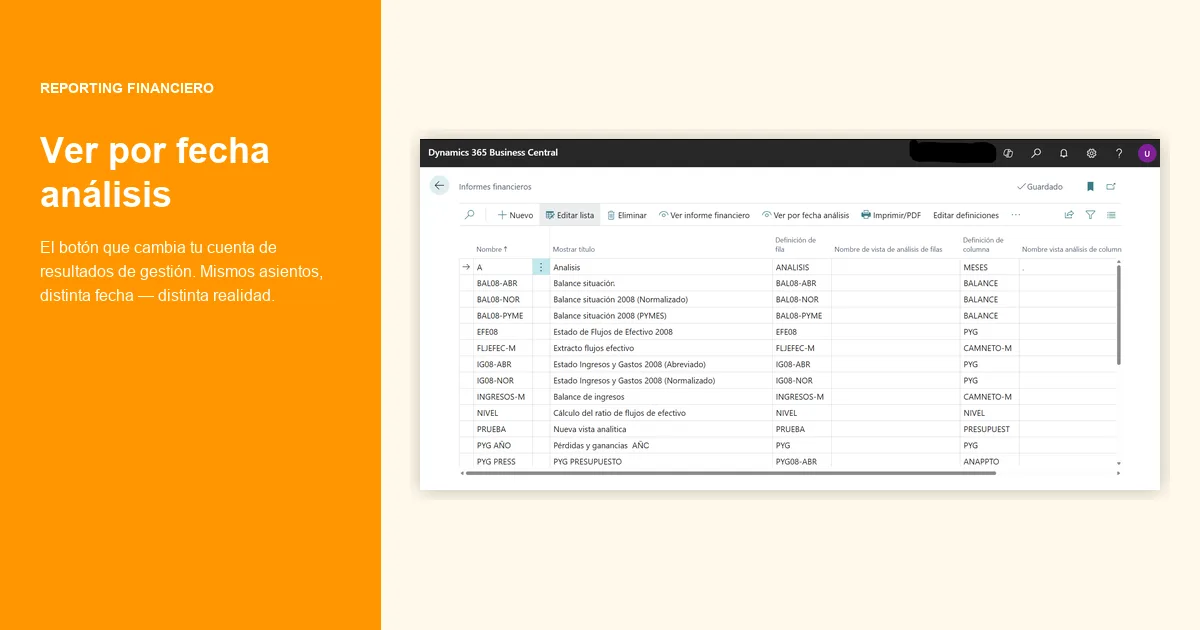
Accrual vs Invoice-based P&L Reporting in Business Central
Accrual vs invoice date in the monthly P&L: numerical examples of how monthly margins shift depending on which closing criterion you use.
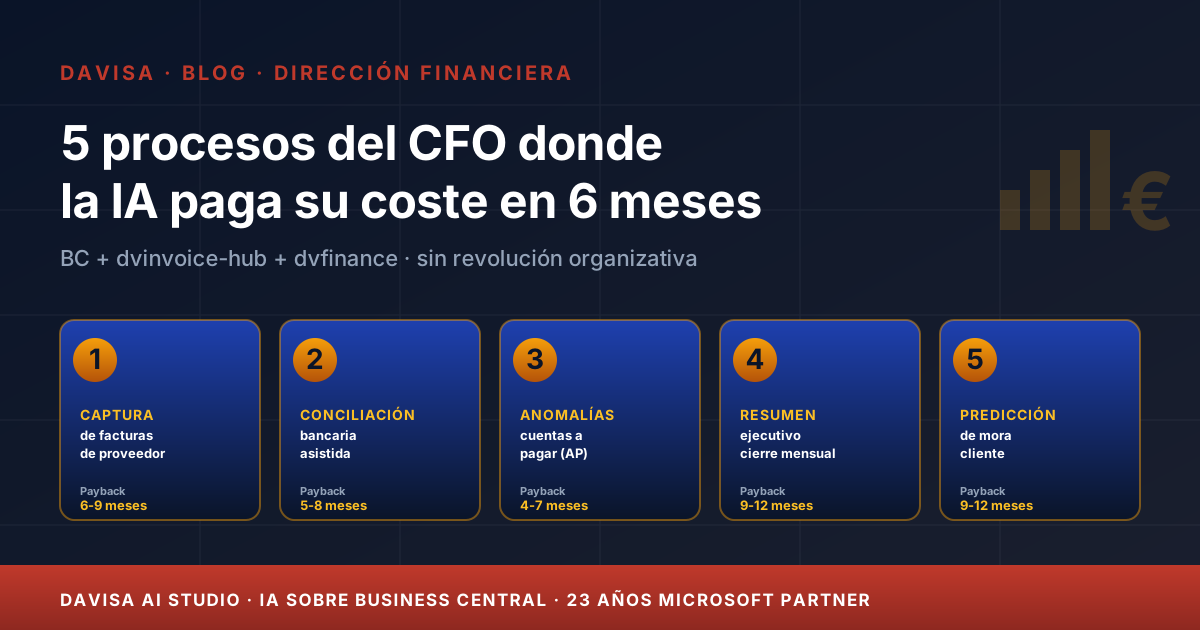
5 CFO Processes Where AI Pays for Itself in 6 Months
Five finance processes where AI is mature today, with measurable 6-month ROI on Business Central, dvinvoice-hub and dvfinance — no organisational revolution required.
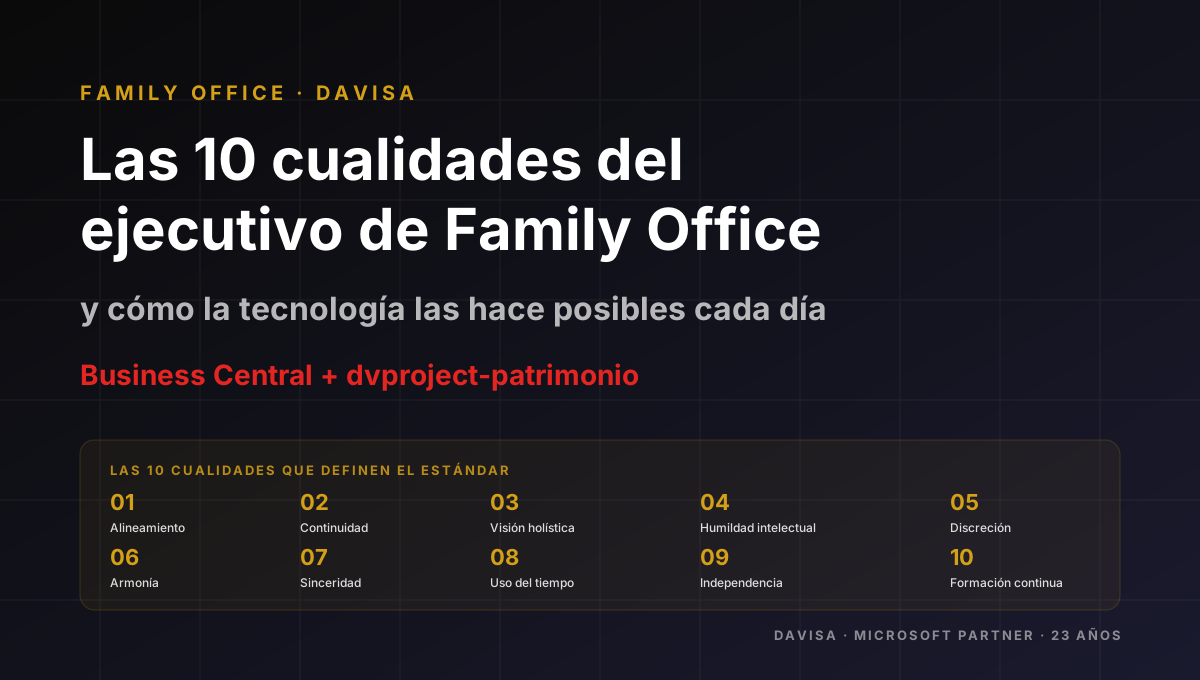
Family Office: The 10 Capabilities of an Excellent Team
Ten operational capabilities that distinguish the team of a serious Family Office, and how dvproject-patrimonio on Business Central supports them every day.