
Migrating from NAV to Business Central: 2026 Practical Roadmap
Step-by-step roadmap for IT directors planning the migration from Dynamics NAV (2018, 2017, 2015) to Business Central in 2026. By Davisa, MS Partner since 2003.

If you are running Microsoft Dynamics NAV 2018 — or worse, an older version like NAV 2017, 2016, or 2015 — the question is no longer whether to migrate to Business Central. The question is when and how, and how to do it without breaking the business in the process.
This is a practical roadmap written for IT directors and CFOs who have been postponing the decision and need a clear, honest plan to bring to the executive committee.
Why you can’t keep stretching NAV
Let’s start with the dates that actually matter, because the marketing talk about “modernization” is not what gets a budget approved — regulatory and support deadlines are.
Mainstream support for NAV 2018 ended in January 2023. Extended support runs until January 2028. That sounds far away, but it isn’t:
- Extended support means security patches only. No new functionality. No regulatory updates. No bug fixes that aren’t security-related.
- Anything older than NAV 2018 is already out of any support window — NAV 2017 mainstream ended January 2022, NAV 2016 in October 2020, NAV 2015 in January 2020.
- The Microsoft partner ecosystem is shrinking around old NAV. Finding consultants with C/AL skills is getting harder and more expensive every year.
But the real pressure in 2026 is not support — it’s tax compliance:
- Verifactu (Spain) requires structured invoice records sent to Hacienda in real time. NAV will not ship this natively. You either pay for a third-party module that may or may not survive, or you migrate.
- SAF-T (Portugal, France, Norway, Poland, Romania, and more) requires structured tax data export in formats that evolve every year. Business Central ships these as part of the localization. NAV does not.
- B2B e-invoicing is becoming mandatory across the EU (Spain’s Crea y Crece, Italy’s FatturaPA, France’s reform, Belgium 2026, Germany 2027). The Peppol network is the de facto standard. BC integrates natively. NAV requires bolted-on solutions.
Add to this the user-experience gap: NAV’s Windows client is deprecated, the web client in old NAV versions is limited, and modern users (especially anyone hired in the last five years) expect a browser- and mobile-first experience. The AppSource ecosystem of extensions only exists for Business Central — every new productivity tool, AI feature, and Power Platform integration ships there first.
The 3 migration paths and which one is right
There is no single way to migrate. There are three, and choosing the right one is the most important decision you’ll make.
1. In-place upgrade (technical upgrade)
The conversion tool takes your NAV database, translates C/AL objects to AL extensions, and lands you on Business Central with your customizations preserved.
- Pros: Fastest path to BC. Preserves business logic and data without reimplementation. Cheaper.
- Cons: Inherits all your technical debt. Old customizations that should have been retired live another five years. The resulting AL code is mechanical and often ugly.
- Best for: Vanilla NAV with few, well-documented customizations and clean master data. Companies that need to get to BC quickly for regulatory reasons.
2. Re-implementation with data migration
Fresh BC install. Configure from scratch using current best practices. Migrate master data and open transactions. Retire everything that doesn’t justify its existence.
- Pros: Clean architecture. No legacy debt. Forces a healthy review of every process. Opportunity to adopt standard BC instead of perpetuating workarounds.
- Cons: Longer (4-8 months typical). More expensive. Requires real business team engagement.
- Best for: Companies whose NAV has accumulated 5+ years of layered customizations, where nobody remembers why half of them exist, and where the business has clearly changed since the original implementation.
3. Hybrid
Technical upgrade first to land on BC quickly and resolve the regulatory urgency. Then phased re-engineering of the worst customizations over 12-24 months.
- Pros: Buys time. Reduces big-bang risk. Spreads cost.
- Cons: Requires discipline — companies that “land on BC and worry about the rest later” often never do the rest.
- Best for: Mid-sized companies with regulatory pressure but real technical debt that needs eventual cleanup.
The decision matrix in practice comes down to four questions: How many customizations do you have? How complex are your integrations? How much technical debt has accumulated? How much pain is the current NAV causing the business?
Pre-migration: 4 weeks of preparation that pay off
The single biggest predictor of migration success is the work done before the project officially starts. Four weeks of disciplined preparation save months of pain later.
- Inventory of customizations. List every modification. For each one: who uses it, how often, what business need it covers, whether standard BC now covers that need, and whether it should survive the migration.
- Inventory of integrations. Banks, EDI partners, Hacienda (SII, Verifactu), e-commerce platforms, BI tools, payroll, expense management, CRM. For each one: protocol, owner on the third-party side, criticality.
- Inventory of reports. Every NAV report. Mark which are actually used in the last 12 months. Orphan reports get retired, not migrated.
- User adoption plan. The shift from NAV Windows client to BC web client is real. Power users who memorized keyboard shortcuts will resist. Plan training, role centers, and a champions network before go-live, not after.
- Cloud vs on-prem vs hybrid decision. Default to cloud unless there is a concrete blocker. Document the decision.
Migration itself: typical 4-month timeline
For a mid-sized company with moderate customization, a realistic timeline looks like this:
- Month 1 — Discovery + design. Process workshops, gap analysis, fit/gap document, scope confirmation, project plan. Decide which vertical extensions layer on top (dvproject, dvproduction, dvstock, dvgmao depending on industry).
- Month 2 — Build + data migration scripts. Configure BC environment, develop AL extensions for surviving customizations, build and test data migration scripts, configure integrations.
- Month 3 — User Acceptance Testing + training. Business team validates end-to-end processes against real (anonymized) data. Iterate on findings. Train end users. Build go-live cutover plan.
- Month 4 — Go-live + hypercare. Final data load, cutover weekend, go-live, two to four weeks of intensive support, stabilization.
Risk areas that quietly kill migrations:
- Month-end cutoff timing. Going live mid-month is a recipe for accounting nightmares. Aim for the first day of a fiscal month.
- Dual run period. Some companies want to run NAV and BC in parallel for a month “just in case.” It sounds prudent but doubles the workload and almost never catches real issues — UAT does. Prefer a clean cutover with a well-tested rollback plan.
- Fiscal year alignment. Going live three months before year-end means closing the year on a system the team just learned. Going live right after year-end is much safer.
What you gain post-migration
The cost is real. The gains are also real, and they compound over time:
- Native e-invoicing and tax compliance for EU regulations (Verifactu, SII, Peppol, SAF-T, FatturaPA) without bolt-on solutions.
- Continuous Microsoft updates twice a year (Wave 1 in April, Wave 2 in October). No more painful big-bang upgrades every five years.
- AppSource ecosystem of certified extensions: advanced inventory with dvstock, project planning with dvplanner, maintenance, e-invoicing, expense management, and hundreds more.
- Modern UX in the browser and on mobile. New hires onboard in days, not weeks.
- Power Platform integration out of the box: Power BI for analytics, Power Automate for workflows, Power Apps for lightweight business apps, Copilot for AI assistance.
- Improved performance on properly sized environments — BC’s architecture is genuinely faster than old NAV on equivalent hardware.
Common pitfalls to avoid
After dozens of NAV-to-BC migrations, the same mistakes keep showing up. Avoid them:
- Lift-and-shift of customizations that should die. Every legacy mod ported to AL is a debt you’ll carry for years. Be ruthless during the inventory phase.
- Underestimating training time. The Windows-to-web UX shift is bigger than people expect, especially for finance power users with 10+ years on the NAV client.
- Going live mid-fiscal-year. Cutover at year-end or fiscal-month boundaries only.
- Skimping on data quality. Migration is the best opportunity in a decade to clean master data. Take it.
- Forgetting about reports. They break, look different in BC, or simply disappear. Plan for it.
When is the right time to migrate?
Honest answers:
- NAV 2018, few customizations, happy users: 2026-2027 is fine. Start scoping now, execute in 2027. Don’t push it past 2028 — extended support ends.
- NAV 2015 or older: You should have migrated already. The regulatory and security gap is dangerous. Start in 2026.
- High customization, complex integrations: Start now. Expect 6-9 months. Don’t wait for a regulatory crisis to force the decision under pressure.
Davisa has been a Microsoft Solutions Partner for Business Central since 2003, which means we have run every kind of NAV-to-BC migration: clean upgrades, heavy re-implementations, hybrid paths, and rescue projects after a different partner gave up. The methodology above is the result of that experience, distilled into a repeatable framework.
If you want a no-obligation assessment of your current NAV environment and a realistic migration plan, get in touch. We’ll tell you honestly which of the three paths fits your situation, what it should cost, and what timeline is achievable — even if the answer is “not yet.”
Artículos relacionados
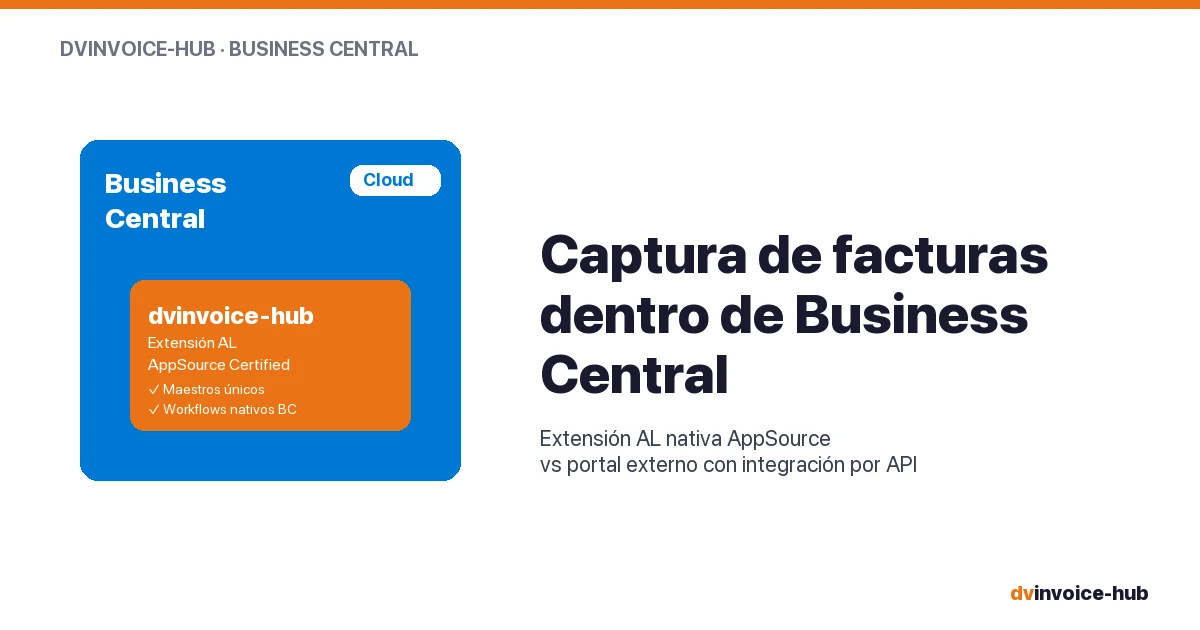
AP Invoice Capture in BC: Native Extension vs Portal
AP invoice capture in Business Central: why a native AL extension is more robust than external portals that break reconciliation and APIs.
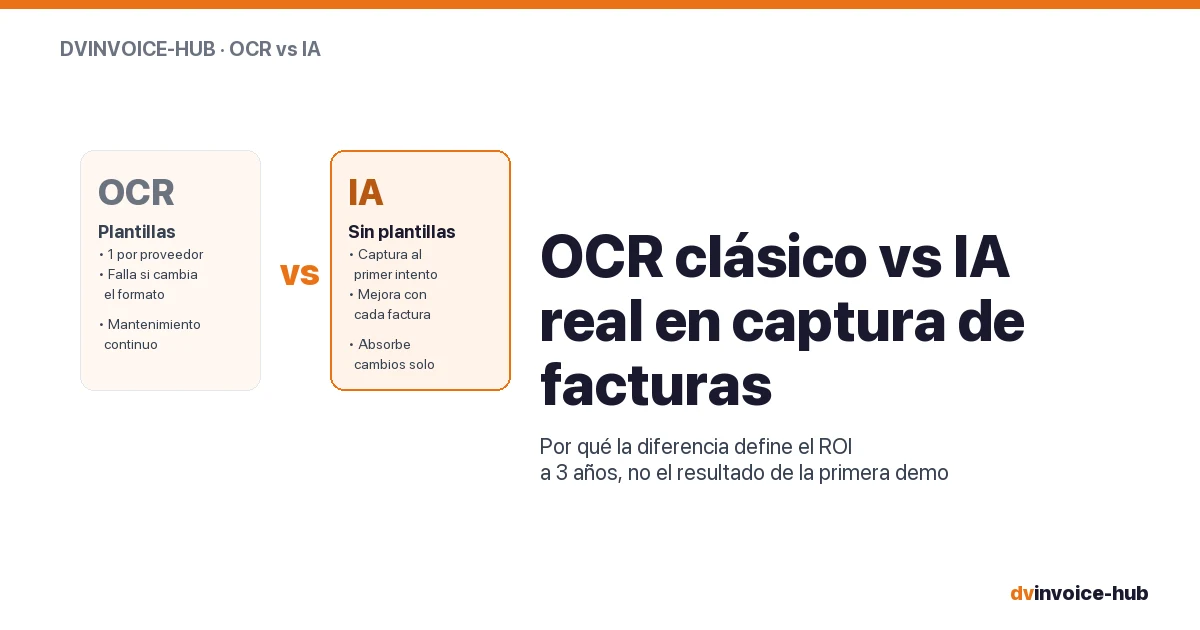
OCR vs AI for AP Invoice Capture in Business Central
Classic OCR and AI-powered capture sound alike but do very different things. Why AI applied to your supplier base reshapes the 3-year ROI.
Business Central Pricing & License Levels Explained (2026)
Clear breakdown of Microsoft Dynamics 365 Business Central license levels (Essentials, Premium, Team, External Accountant) with real prices and use cases for 2026.