
Mobile Time Tracking: Legal Requirements (2026 Guide)
Is it legal to clock in from your phone? Yes — as long as the record is reliable and geolocation respects the GDPR. Learn about reliability requirements, data-protection principles, and best practices.
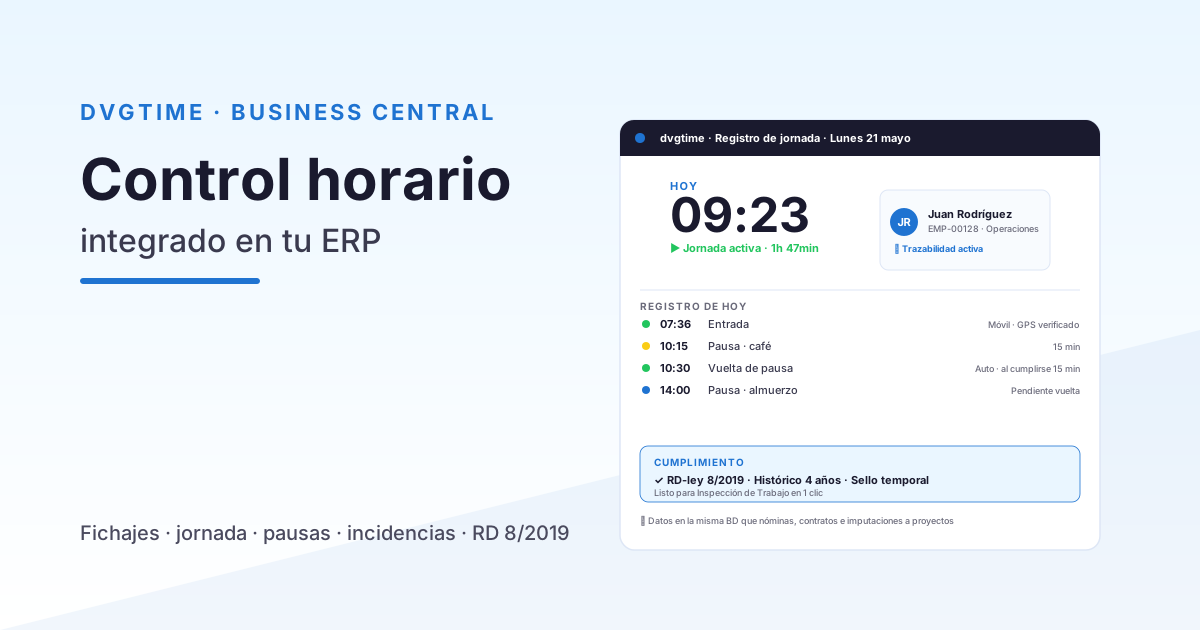
More and more companies are letting their teams clock in from their phones — field sales reps, construction crews, maintenance staff, and remote workers alike. This raises a recurring question: is it actually legal to track working hours via mobile? The short answer is yes, provided the system is reliable and, if geolocation is used, complies with data-protection law. This guide walks you through the legal requirements for mobile time tracking in Spain. The information is general in nature and does not constitute legal advice; always review your collective bargaining agreement and consult your employment law and data-protection advisors.
Stop wrestling with spreadsheets. dvgtime automates time tracking, absences, and labour costs. It works standalone (browser, mobile app, and kiosk — no ERP required) or natively connected to Microsoft Dynamics 365 Business Central, optionally. See a demo.
Mobile clock-ins are legally valid
Article 34.9 of Spain’s Workers’ Statute requires a daily record of working hours, but it does not prescribe any particular method. The law says nothing about fingerprint scanners, badge readers, or paper timesheets: it simply requires the record to be daily, to capture each person’s start and end times, and to be stored and accessible to employees, their representatives, and the Labour Inspectorate. For a deeper look at the full obligation, see our guide on mandatory working-time records in Spain.
A clock-in made through a mobile app is therefore perfectly valid, as long as those guarantees are met. What matters is not the device, but the reliability of the record.
Reliability requirements for the time record
For a mobile clock-in to hold up under a potential Labour Inspectorate audit and serve as valid evidence, it must meet several conditions:
- Trustworthy timestamp: the recorded time must come from a reliable source and must not be alterable by the user changing their phone’s clock.
- Employee identification: each clock-in must be unambiguously linked to the person who made it (authenticated user, employee ID).
- Tamper-proof record: the log must be immutable and traceable; if a correction is made, there must be an audit trail showing who changed what, when, and why.
- Accessibility: records must be available for review by the employee, their legal representatives, and the Inspectorate, and must be retained for the legally required period.
A clock-in that employees can freely edit, or that relies on the phone’s local time, loses its evidentiary value. Reliability means being able to prove that the record is authentic.
Geolocation: the sensitive area
This is the real legal flashpoint of mobile time tracking. Capturing an employee’s location is processing personal data and is therefore subject to the General Data Protection Regulation (GDPR) and Spanish data-protection law. Using geolocation is not illegal, but it must be proportionate, transparent, and limited to its stated purpose — verifying that the clock-in occurs at the right location, not continuously monitoring the employee.
GDPR principles you must follow
- Data minimisation: collect only the information that is strictly necessary. Best practice is to capture the precise location at the moment of the clock-in, not a continuous trail of the employee’s movements.
- Purpose limitation: location data must be used solely to verify the clock-in, not for other purposes such as evaluating performance or monitoring breaks.
- Transparency: employees must know what is being recorded, how, and why.
- Legal basis: the processing must rest on a valid legal basis and must be documented.
- Prior information: employees must be informed before their location data starts being processed.
Permanent tracking of an employee’s position is disproportionate for the simple purpose of recording attendance and may infringe on their right to privacy. The prudent approach is therefore to capture location only at the instant of the clock-in, not on a continuous basis.
Informing employees and workers’ rights
There is a duty to inform employees about the monitoring system being used and about how their data will be processed. It is also advisable to consider negotiating or consulting with employee representatives when introducing a system of this kind.
Mobile time tracking must coexist with two important rights: the right to digital disconnection and the right to privacy. A well-designed system should not become a tool for permanent presence monitoring or for tracking employees outside working hours. You can read how DAVISA handles personal data in its privacy policy.
Best practices for rolling out mobile time tracking
Beyond the bare legal minimum, these guidelines help you deploy a robust and respectful system:
- Clear usage policy: document what is recorded, for what purpose, and for how long.
- No unnecessary data: apply minimisation at the configuration level too.
- Offer alternatives: allow clock-ins from a kiosk or the web as well, so employees are never forced to use a personal device when that is not appropriate.
- Auditable record: maintain an immutable log that lets you demonstrate the reliability of the time record.
- Review your CBA: check whether your collective bargaining agreement includes specific rules on working-time monitoring.
Before deploying geolocation or any monitoring system, it is worth reviewing the applicable collective bargaining agreement and consulting your employment law and data-protection advisors. Every company’s situation is different, and this article is no substitute for that analysis.
From the clock-in to the ERP: making the data work for you
Mobile time tracking is not just about legal compliance — it generates data that is valuable for calculating costs, allocating hours to projects, and feeding payroll. If your company runs Microsoft Dynamics 365 Business Central, it makes sense to have those records flow into the ERP without duplicate data entry. We explain how in working-time management in Business Central, and if you want to estimate the savings you can use our ROI calculator.
How dvgtime handles this
dvgtime, DAVISA INFORMÁTICA’s Spanish SaaS platform for workforce management and time tracking, lets employees clock in from a mobile device (PWA), kiosk, or browser, with a trustworthy timestamp and a tamper-proof, auditable log, fully in line with the requirements of Article 34.9 of the Workers’ Statute. It works independently, with no ERP required, and if your company uses one it connects natively to Microsoft Dynamics 365 Business Central (optional) or to other ERPs (Sage, SAP…) via connector. When location data is used, it is captured at the moment of the clock-in in a proportionate way — not as a continuous tracking feed. DAVISA also has its own privacy policy governing data processing.
Launch mobile time tracking with confidence. We will walk you through dvgtime using your own real-world scenarios, no strings attached. Request a demo.
Keep reading
Artículos relacionados
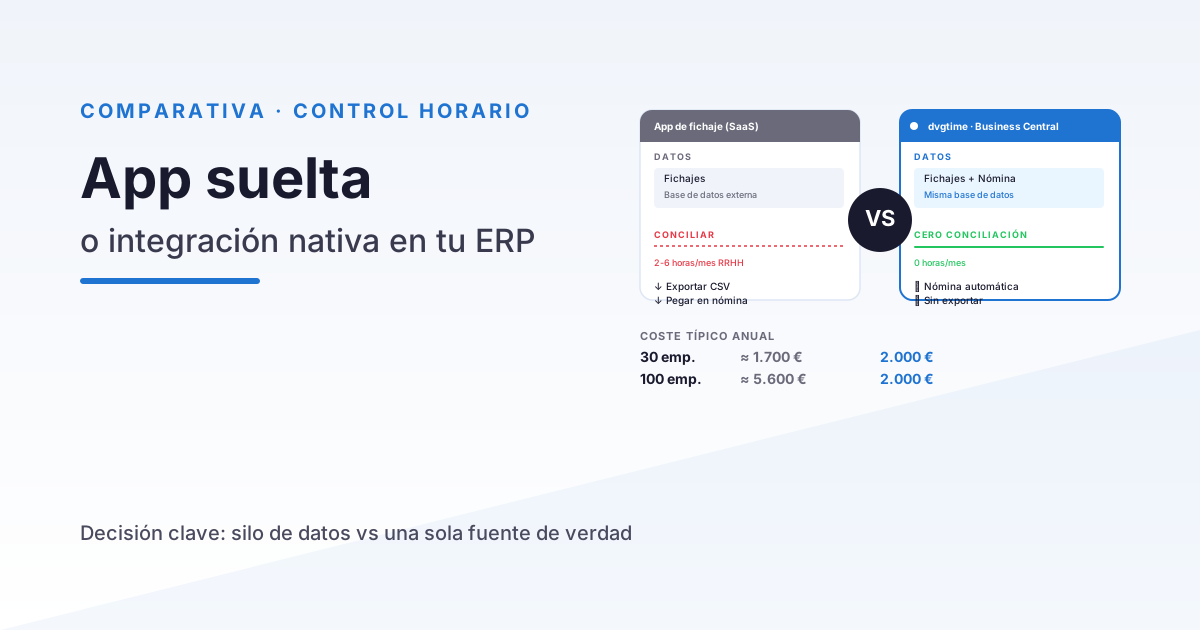
Time Tracking App vs Integrated Time Control in Your ERP
A practical comparison between generic time tracking apps (Sesame, Bizneo, Personio) and time control integrated in Business Central. When to choose each option.
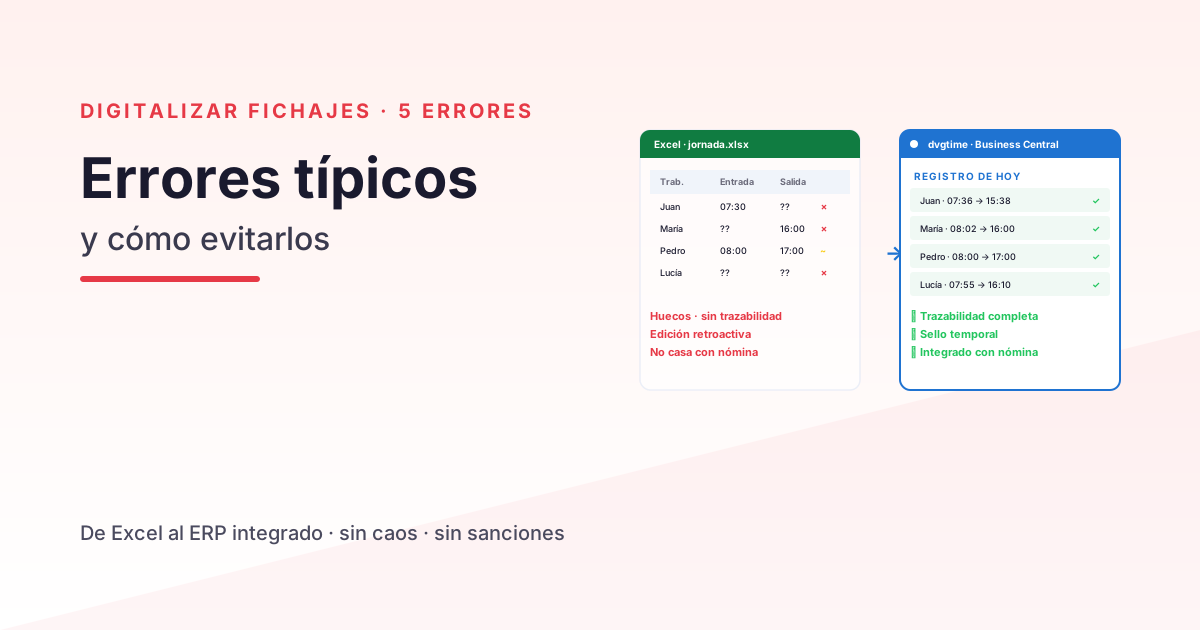
Digitalising Time Tracking in Your Company: 5 Common Mistakes
The 5 most common mistakes when digitalising time tracking in a Spanish SME — and how to avoid them. An operational guide for HR and operations management.
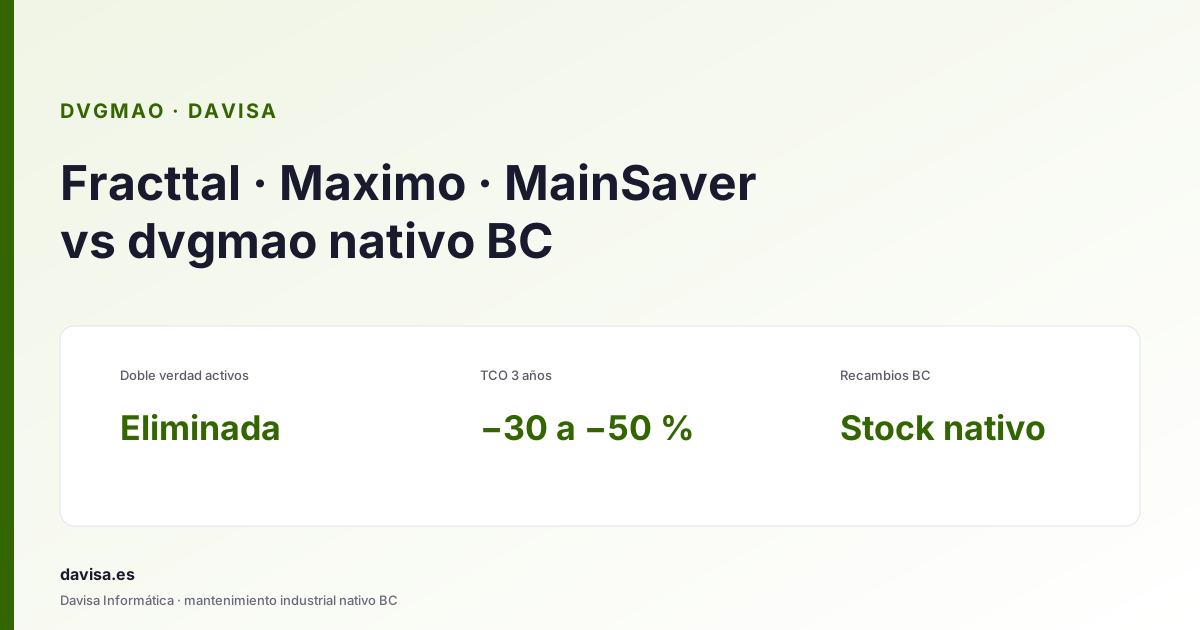
Fracttal, Maximo & Mainsaver vs dvgmao: CMMS in BC
Top CMMS platforms (Fracttal, Maximo, Mainsaver, MaintainX) compared with dvgmao, the native Business Central option. When each one fits.