
What Microsoft Copilot Actually Does Inside Business Central (2026)
Real native Microsoft Copilot capabilities inside Business Central in 2026 — what works, what needs extra licensing, what is still a demo and when it falls short.
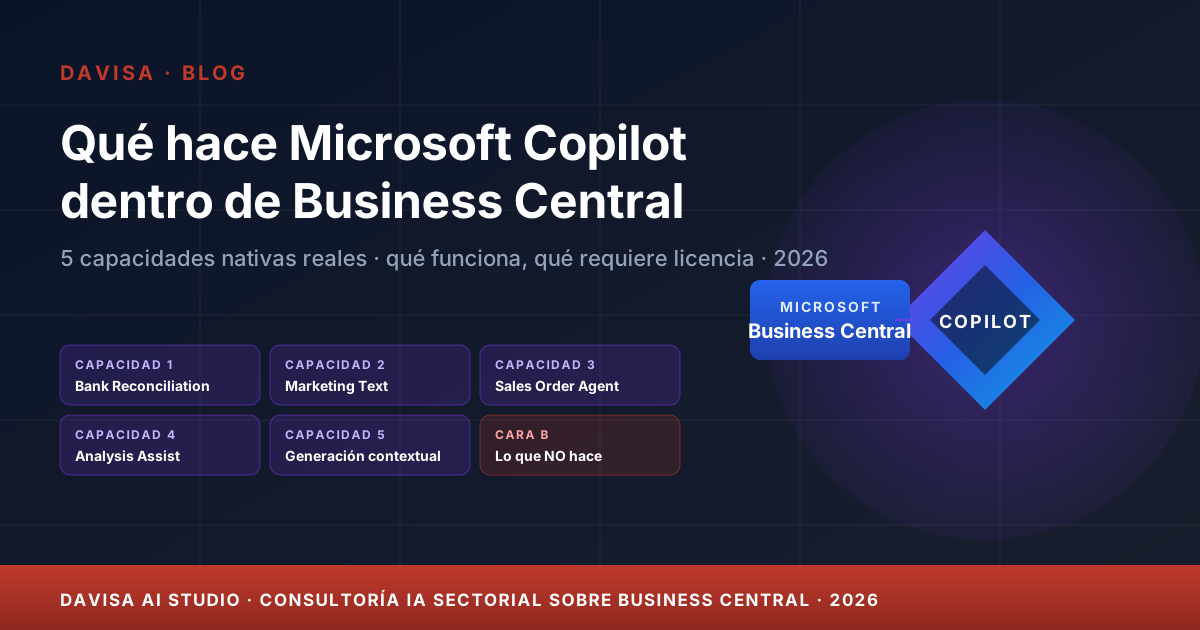
Many customers tell us in a first meeting, “we already have Copilot in Business Central”. When we ask what it actually does — which screens, which tasks, what saving — the answer is usually blurry. The reason is honest: Microsoft has integrated Copilot inside Business Central in waves, capability by capability, and the marketing message is ahead of the real product. The result is a diffuse expectation that does not land in measurable saving.
This article grounds the topic. What Microsoft Copilot concretely does inside Business Central in 2026, what needs extra licensing, what has reasonable quality today and what is still an event demo. No hype, with enough detail for a CFO, an IT lead or a key user to decide what to activate and what to realistically expect. And at the end, when native Copilot is not enough and a custom AI layer on top of BC comes into play — which is what Davisa AI Studio covers.
The context: Copilot inside BC is not one single thing
Before discussing capabilities, it is worth pinning down what we mean by “Copilot in Business Central”. There are at least three layers of Copilot coexisting in the Microsoft ecosystem that the market tends to mix up:
- Microsoft 365 Copilot. The generative assistant for Word, Excel, PowerPoint, Outlook and Teams. Licensed separately (around EUR 28-30 per user per month on business plans) and requires a Microsoft 365 Business Standard or higher base. Not included with BC.
- Copilot embedded in Business Central. AI capabilities living inside the ERP itself, on concrete screens (reconciliation, descriptions, sales orders, analytics). Most are included in the Premium licence and in much of Essentials at no extra cost, within reasonable consumption limits.
- Copilot Studio agents and agentic capabilities. The newest layer: agents that act on data, potentially cross-application. Billed by message consumption or reserved capacity. This is where Microsoft is investing most in 2026.
This article focuses on the second layer — Copilot inside BC — and references the third where relevant. For the first we already have a separate post on Microsoft Copilot and productivity impact.
Real native capabilities in 2026
To the point. These are the five capabilities a customer on Business Central 26.x or 27.x can enable today with reasonable quality.
1. Suggest Bank Account Reconciliation
Bank reconciliation in Business Central has traditionally been a half-day-per-month manual task per legal entity. Copilot adds an assistant that proposes matches between statement lines and open ledger entries, based on amount, near date, description and historical patterns. The finance lead accepts, rejects or adjusts the suggestion with one click.
What it delivers today: in standard scenarios with clean bank statements and legible descriptions, the suggestion is correct on 60-80% of movements depending on volume. The operator stops searching manually and only reviews what is left. Typical saving range: 30-60% of monthly reconciliation time.
What it does not solve: complex groupings (one receipt closing five invoices with cent-level differences), unexpected fees or unplanned direct debits. The operator still works as before for those.
2. Marketing Text Suggestions with AI Builder
On item cards, Business Central has had for several versions the option to generate commercial product descriptions from basic attributes: name, category, key features. Under the hood it uses Power Platform’s AI Builder and Azure OpenAI Service.
What it delivers: the catalogue owner does not start from a blank page. They feed in attributes, get a first draft in Spanish or English, edit and save. Useful especially for companies with large catalogues refreshing copy for web, e-commerce or marketplace.
What it does not solve: highly specific brand voice, polished SEO copy or copywriting blending technical and emotional messaging. It is a starting point, not the final result.
3. Sales Order Agent
One of Microsoft’s strong bets in 2025-2026. The Sales Order Agent reads incoming customer emails containing orders, extracts the lines, identifies the customer in the BC master, proposes a draft sales order and presents it to the sales rep for validation. It reduces the back-office load in companies with many email-based orders.
What it delivers: in distribution or industrial companies with structured email orders, the email-to-order conversion drops from minutes to seconds per order. The back office focuses on exceptions.
What it requires: a licence with Copilot message consumption or Copilot Studio capacity. It is not “free” like Bank Reconciliation Assist. And it requires some prior cleanliness: the customer master must be in good shape, product codes must be recognisable, emails should not be endless reply chains.
4. Analysis Assist with Copilot
Over any list view in BC — customers, sales, open entries — the user can switch to analysis mode and, inside it, ask Copilot in natural language: “group by salesperson and show the quarterly total”, “filter customers with overdue balance above 30 days”, “compare sales this month against last month”. Copilot configures the view without the user having to remember where each filter option lives.
What it delivers: it makes BC usable without deep training. A functional user who knows what they want to see, but does not remember the mechanics, gets there in one sentence.
What it is not: it is not a conversational BI over the whole company. It works on the active view, not on the whole model. For large cross-analytics, dvdata-analysis on Power BI connected to BC remains the better fit.
5. Contextual generation of descriptions and summaries
On multiple screens (items, customers, projects, opportunities), a Copilot icon has appeared to draft long-form fields from context: a customer note from their history, a project description from its lines, an account summary for a sales call.
What it delivers: time saved on routine writing. A salesperson preparing an account review call has a useful first summary within seconds.
What it does not solve: deep customer analysis pulling several years of history. It is good for operational writing, not strategic analysis.
Where it adds immediate value vs. where it is still a demo
This is the part event videos do not tell you. Honest summary based on what we see in customers on productive Business Central 26.x and 27.x:
Adds value from month one:
- Bank Reconciliation Assist in companies with reasonably standard monthly reconciliation.
- Contextual item-description generation in companies with large catalogues.
- Analysis Assist for functional users with frequent views who get stuck on filtering.
Adds value with prior configuration:
- Sales Order Agent in distribution companies with clean masters and a predictable email-order pattern. If the master is messy or orders come through a thousand different channels, ROI takes longer.
- Marketing Text Suggestions when there is a dedicated catalogue owner reviewing drafts before publishing.
Still a demo or limited in quality:
- Cross-application conversational capabilities (asking Copilot about BC data from Teams). Works in chosen scenarios, not all.
- Complex report generation in natural language — you still have to go through Power BI or dvdata-analysis.
- Balanced support in Catalan, Basque and Galician for generation. Reading yes, generation not fully.
How to activate Copilot concretely
The process is short, but not automatic: someone has to decide what to enable and accept terms.
- Business Central Admin Center. The tenant admin goes to
admin.businesscentral.dynamics.com, picks the relevant environment (production or sandbox) and opens the Copilot & AI capabilities section. - Activate capabilities one by one. Some capabilities are on by default; others require explicit activation. For each, the admin accepts the Azure OpenAI Service data-processing terms and picks the processing region. Firm recommendation: stay within the EU Data Boundary if data must not leave the European Economic Area.
- Assign user permissions. Some capabilities require a specific permission set assigned per user or per team from the BC admin centre.
- Monitor consumption. For capabilities with billable consumption (Sales Order Agent, Copilot Studio agents), monitor the usage dashboard in the first 30-60 days before extending the rollout.
Davisa runs this step as part of the implementation or as a dedicated session for existing BC customers. It takes 1-2 hours depending on the number of capabilities.
The honest limits of native Copilot
Three fronts where native Copilot in BC does not reach and where you should know before promising the team.
Languages. Spanish and English, yes. Catalan, Basque and Galician — limited generation. If the company operates primarily in one of those three and needs native descriptions, ROI drops noticeably.
Vertical domains. Native Copilot works on the horizontal BC domain: customers, vendors, items, entries. It does not know about dvproject Construcción, dvfinance, dvinvoice-hub or the vertical processes those extensions add. Ask it about an origin certification or a Spanish LOE guarantee retention and you will get a generic answer.
Data types. Structured PDFs, yes. Spreadsheets with broken data, poor-quality scans, emails with long reply chains — limited. Capability improves quarter by quarter, but it must be measured case by case.
When native Copilot is not enough — and the custom AI layer appears
This is where the customer conversation pivots to Davisa AI Studio. Native Copilot is excellent for horizontal functions: writing a text, suggesting a generic match, configuring a view. The question to ask next is this: what is the concrete business flow where your company loses time or money, and that requires your specific logic?
Some real customer examples:
- Detect accounts-payable anomalies with proprietary rules (duplicates, over-invoicing, off-budget expenses). Native Copilot does not detect them — the flow is covered by the AP anomalies with AI case on top of dvinvoice-hub and dvfinance.
- Conversational assistant for the site manager combining BC data + dvproject Construcción + on-site photos + daily reports. Native Copilot does not understand dvproject. The flow is covered by the construction site-manager assistant case.
- Executive summary of the monthly close with a proprietary narrative for management, based on consolidated data from BC + dvfinance. The case executive monthly-close summary with AI describes it in detail.
- Supplier invoice automation with OCR + contextual matching on dvinvoice-hub. Beyond classic OCR. The case supplier invoice automation with AI explains it with conservative metrics.
The Davisa AI Studio method defines how we measure these flows before proposing them: discovery, baseline, measurable pilot and go/no-go with numbers.
Microsoft roadmap: 2026 Wave 1 and Wave 2
Microsoft publishes two release waves per year for Business Central, with previews one or two months before general availability. Three visible trends in 2026:
Maturity of existing agents. The Sales Order Agent receives new email connectors, better multi-line extraction and support for more languages across the 2026 waves. Same for Bank Reconciliation Assist with coverage of more complex statements.
New vertical agents. Microsoft is building agents for specific processes: subscription billing, project costing, recurring journals. Each wave adds one or two new agents available to activate from the admin centre.
Copilot Studio + BC integration. It is becoming easier to build proprietary agents with Copilot Studio that act on BC without code. This opens the door for vertical extensions — dvfinance, dvproject — to exploit agentic capabilities with less development effort. This is where Davisa AI Studio is investing in 2026.
A note of caution: previews are previews. Until a capability moves to general availability, it is unwise to anchor a productive use case on it. Microsoft maintains a good track record, but timelines do shift.
What we do at Davisa if your BC already has Copilot
If your Business Central is on 25.x, 26.x or 27.x and you have never activated Copilot capabilities, there is reasonable saving headroom without spending an extra euro on licensing, depending on volume. What we propose as a starting point:
- 1-2 hour activation session on the admin centre, switching on the capabilities that fit your profile (finance, sales, catalogue).
- Short training for the key team so they know what to enable, which icons to look for and what to realistically expect.
- 30-day baseline measurement — reconciliation time, description-writing time, view-configuration time — and comparison at month 2-3.
- If flows emerge where native Copilot does not reach and the business pain justifies a custom layer, we open a Davisa AI Studio discovery to evaluate a measurable pilot.
For customers wondering whether their vertical fits a custom AI extension, it is worth looking at the construction ERP platform comparison — it explains why BC + vertical extensions is usually the right base before adding AI, not after.
Conclusion: native Copilot is a good base, not the final destination
Copilot inside Business Central in 2026 covers useful horizontal functions that improve daily work on reconciliation, descriptions, orders and basic analytics. Enabling them is fast, the cost is low or zero, and the saving exists — modest but real — for almost any customer with an up-to-date BC.
It is not the answer to every flow where AI can help. Detecting anomalies with proprietary rules, giving vertical conversational support to the site manager or automating the executive monthly-close summary requires a specific layer on top of BC. That layer is what Davisa AI Studio covers, with an honest method that avoids buying “transformation” only to fall back to Excel.
If your Business Central already has Copilot switched on and you want to review what else fits, write to us for an initial session. If the conversation drifts into a vertical case, we open a measurable discovery. If not, we leave the activation tidy and a documented saving baseline.
Suggested next steps:
- Review the Davisa AI Studio method to understand how we measure cases before proposing an extension.
- Estimate potential saving with the AI ROI calculator on flows like AP anomalies, monthly close or site-manager support.
- Open a Davisa AI Studio discovery or contact us via contact if you want to start by activating native Copilot on your BC.
Artículos relacionados
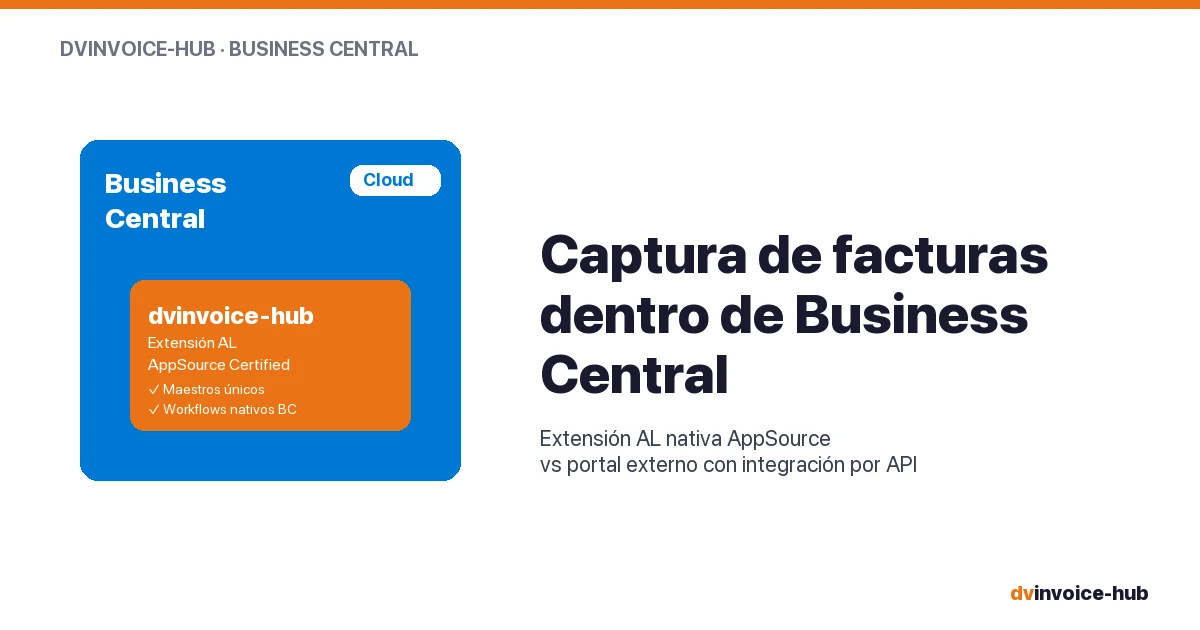
AP Invoice Capture in BC: Native Extension vs Portal
AP invoice capture in Business Central: why a native AL extension is more robust than external portals that break reconciliation and APIs.
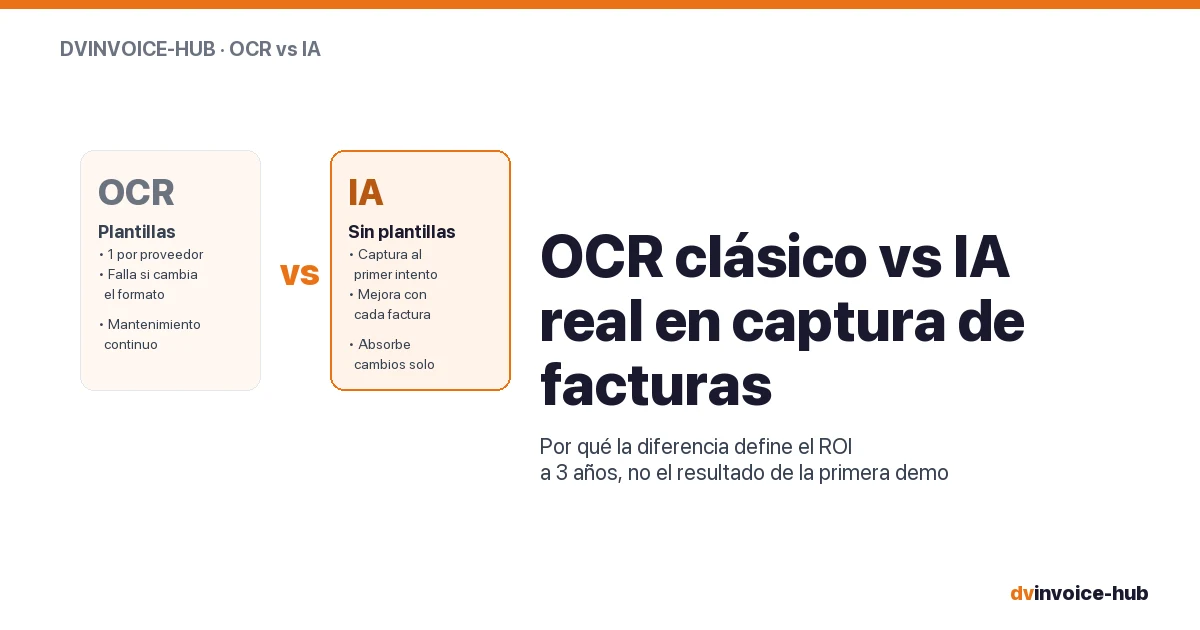
OCR vs AI for AP Invoice Capture in Business Central
Classic OCR and AI-powered capture sound alike but do very different things. Why AI applied to your supplier base reshapes the 3-year ROI.
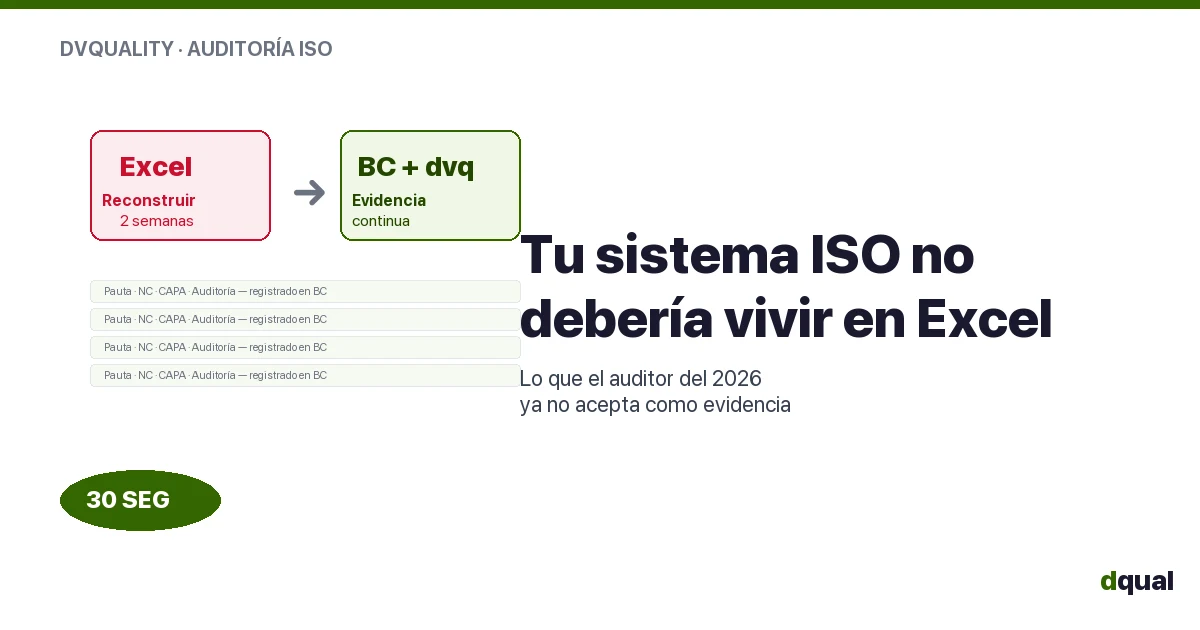
ISO Quality Out of Excel: What the Auditor Demands
ISO 9001/14001/45001 audits no longer accept reconstructed evidence. The quality management system needs continuous traceability, not Excel.